
完善资料让更多小伙伴认识你,还能领取20积分哦, 立即完善>
3天内不再提示
 电子发烧友论坛
 0
0
| |
相关推荐
|
|
只有小组成员才能发言,加入小组>>
210 浏览 0 评论
【瑞萨RA6E2地奇星开发板试用】+ 1.点灯测试1500ms跳转一次
197 浏览 0 评论
【瑞萨RA6E2地奇星开发板试用】驱动 TEMT6000 环境光传感器
304 浏览 0 评论
【瑞萨RA6E2地奇星开发板试用】串口打印DHT11温湿度数据
263 浏览 0 评论
617 浏览 0 评论
2597浏览 6评论
【RA-Eco-RA0E1-32PIN-V1.0开发板试用】RA0E1-32PIN-V1.0开发板测试一下点灯
3286浏览 3评论
3734浏览 2评论
【RA-Eco-RA2E1-48PIN-V1.0开发板试用】使用Jlink RTT完成printf打印功能
1490浏览 2评论
【RA-Eco-RA0E1-32PIN-V1.0开发板试用】配置开发环境和编写一个点灯程序
2397浏览 2评论
 /9
/9 
关注我们的微信

下载发烧友APP

电子发烧友观察

版权所有 © 湖南华秋数字科技有限公司
电子发烧友 (电路图) 湘公网安备 43011202000918 号 电信与信息服务业务经营许可证:合字B2-20210191 工商网监
湘ICP备2023018690号
工商网监
湘ICP备2023018690号


 423
423
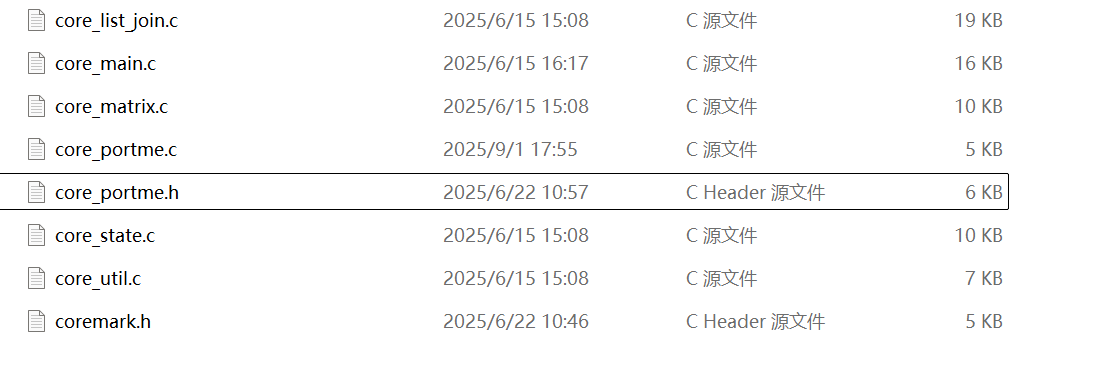


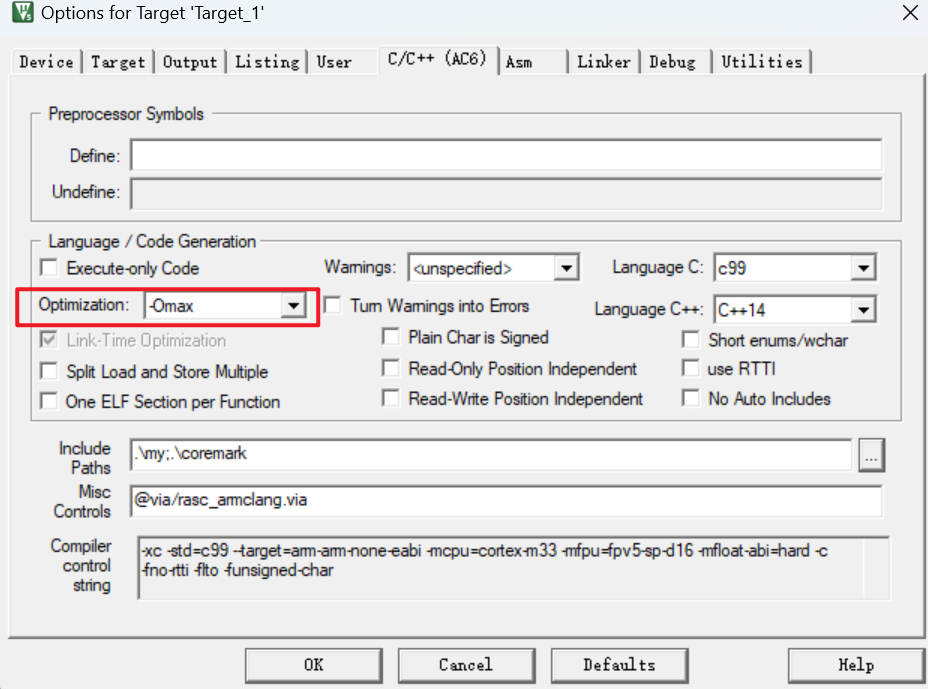
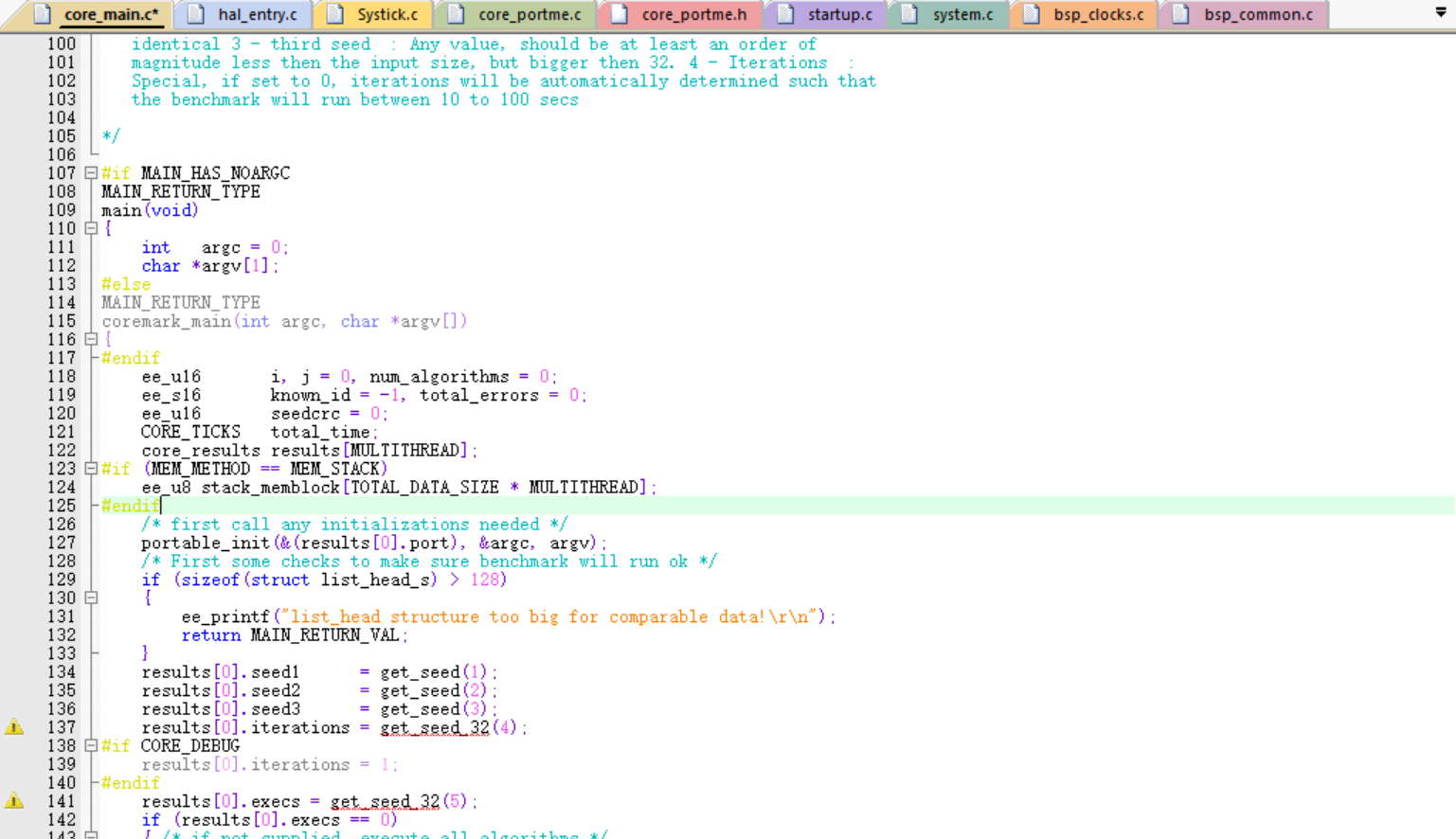
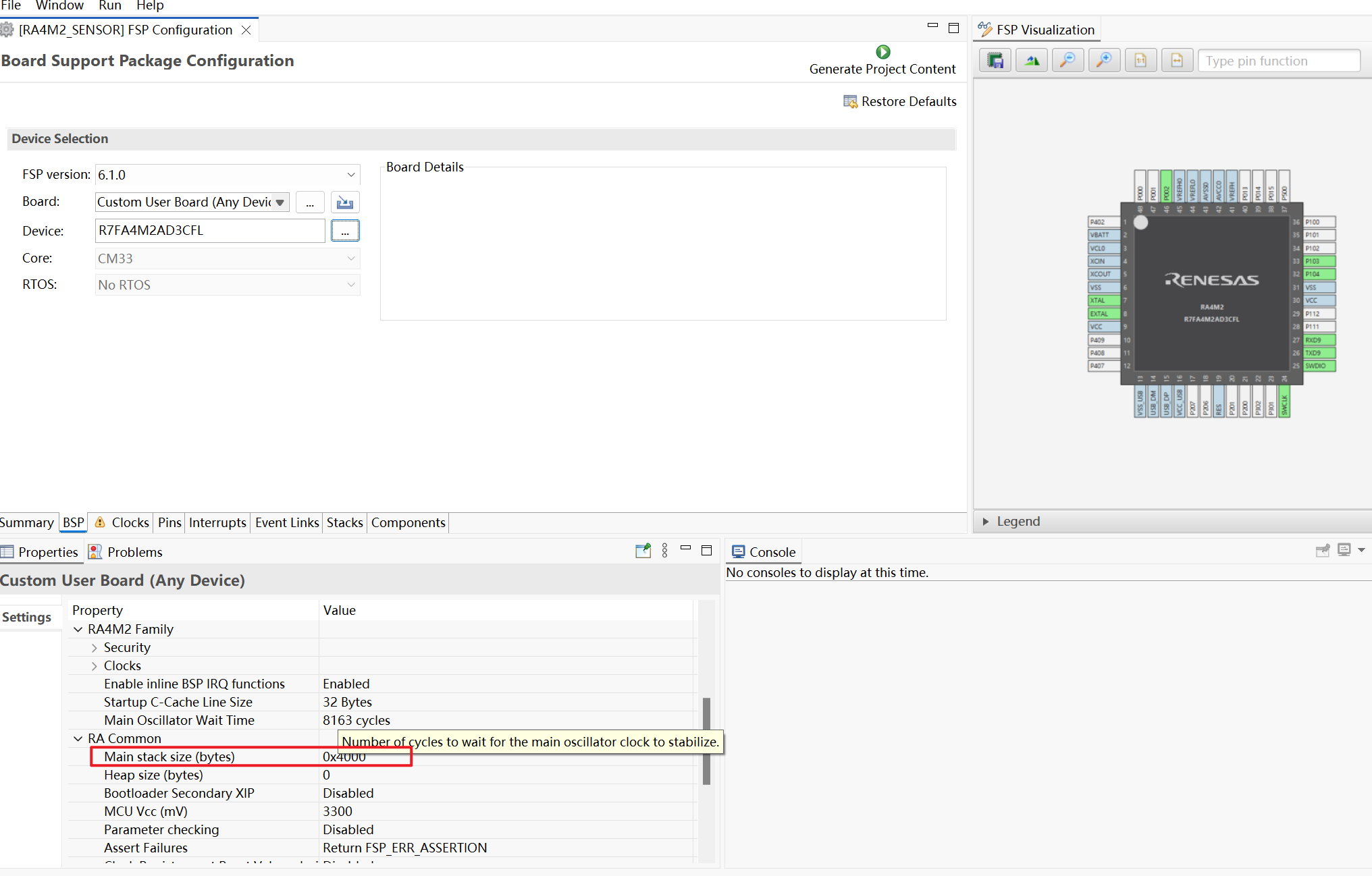
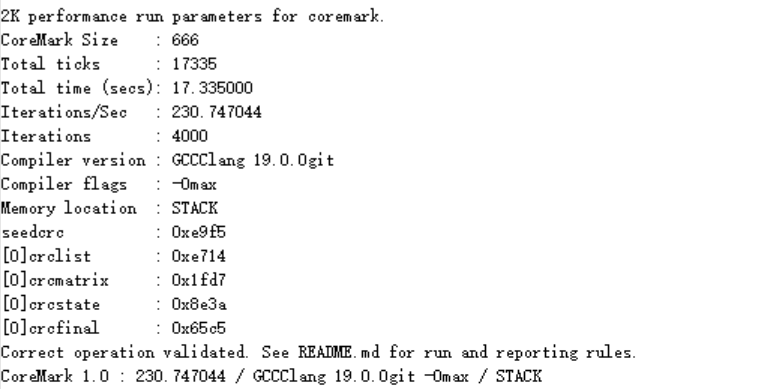
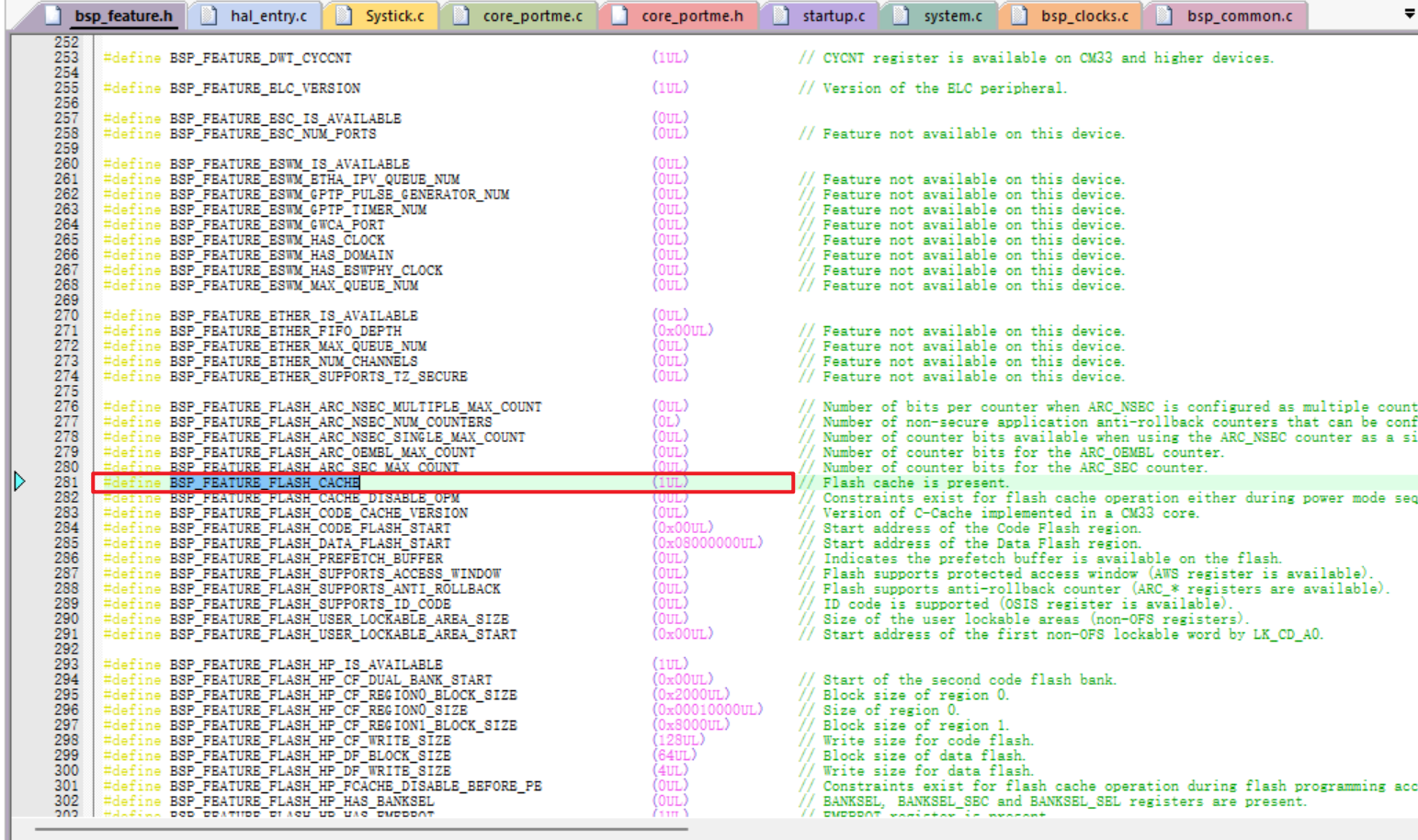 BSP_FEATURE_BSP_FLASH_CACHE宏定义被用于函数中。R_BSP_FlashCacheDisable 和 R_BSP_FlashCacheDisable 在 bsp_common.h 文件中。如果该宏定义为0,缓存闪存就不能被禁用和启用。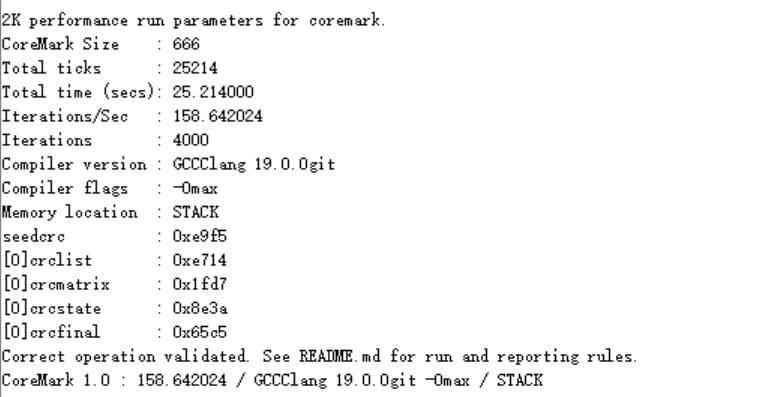
 淘帖
淘帖 18
18










