一、开箱
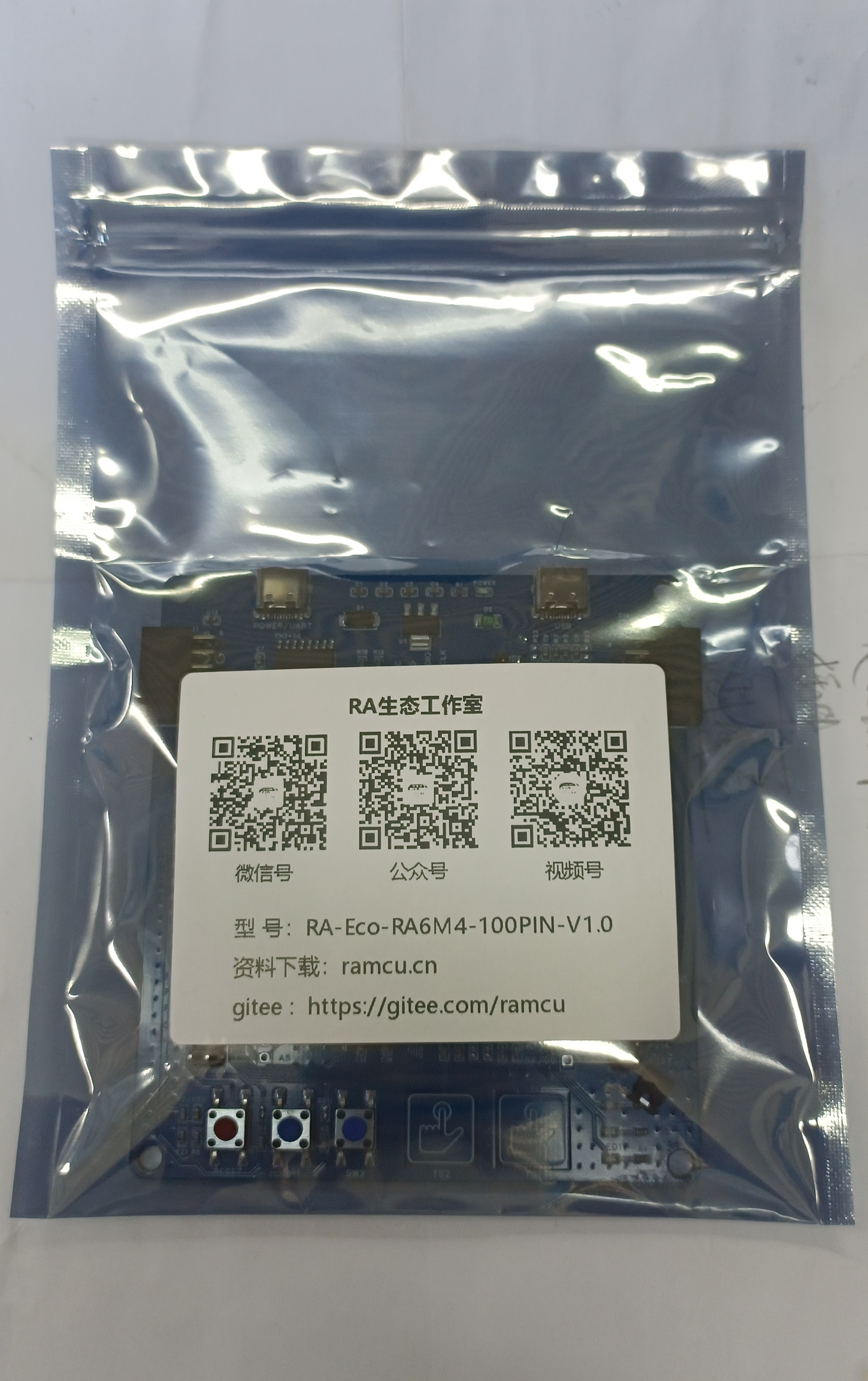
包装比较简洁

二、搭建编译环境
RA6M4支持MDK开发环境,下面测试使用FSP生成MDK工程。
2.1、下载RASC软件
最新的RASC软件:地址
下载完成按照提示安装软件。
2.2、创建工程
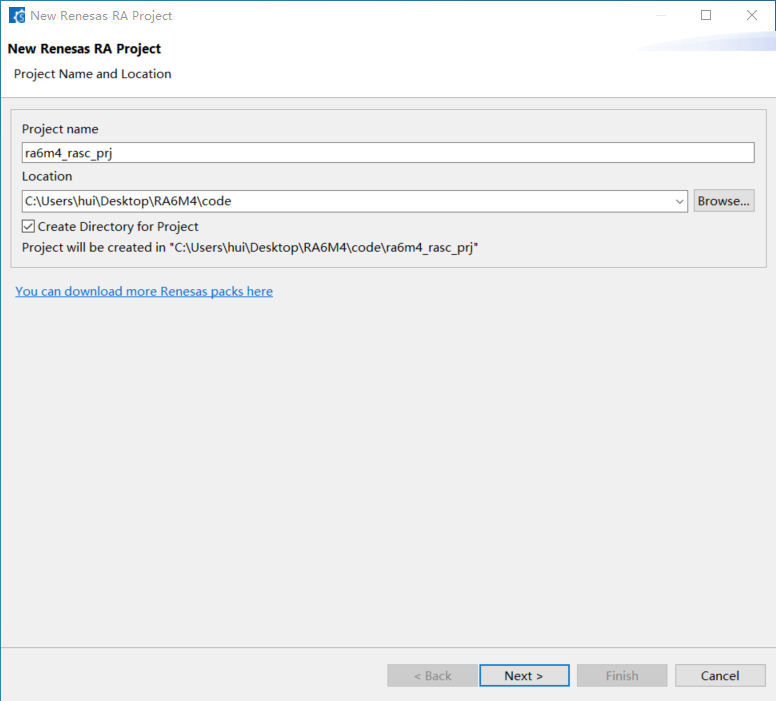
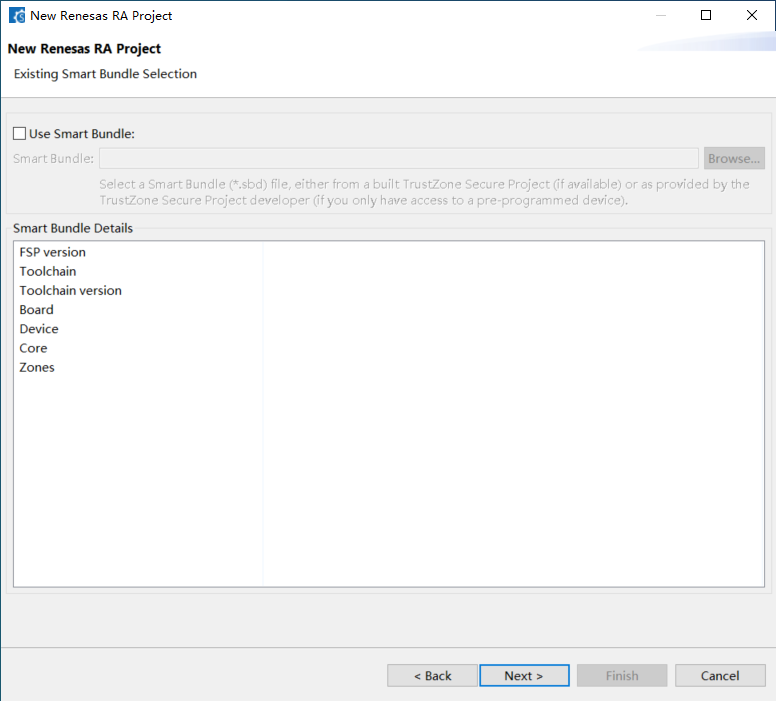
输入工程名称和文件位置

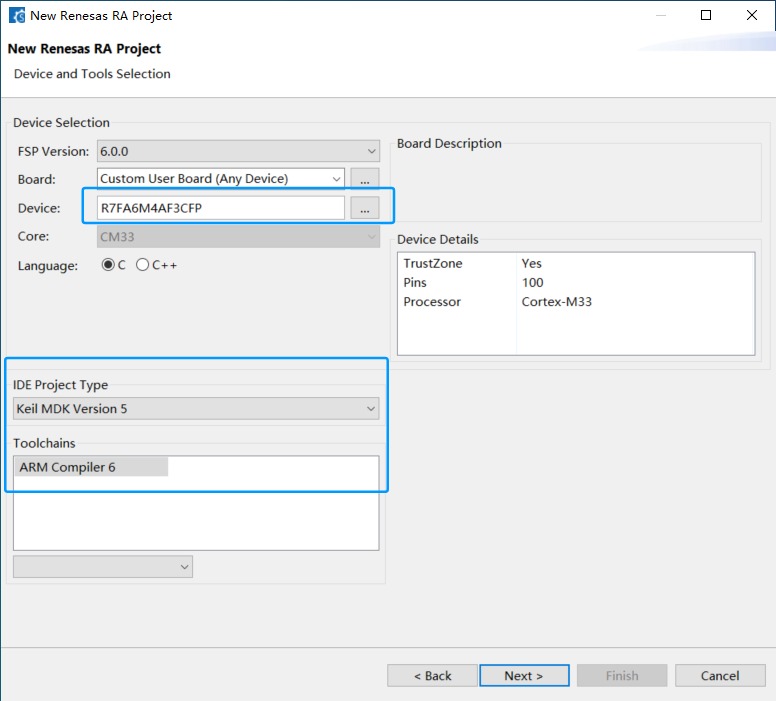
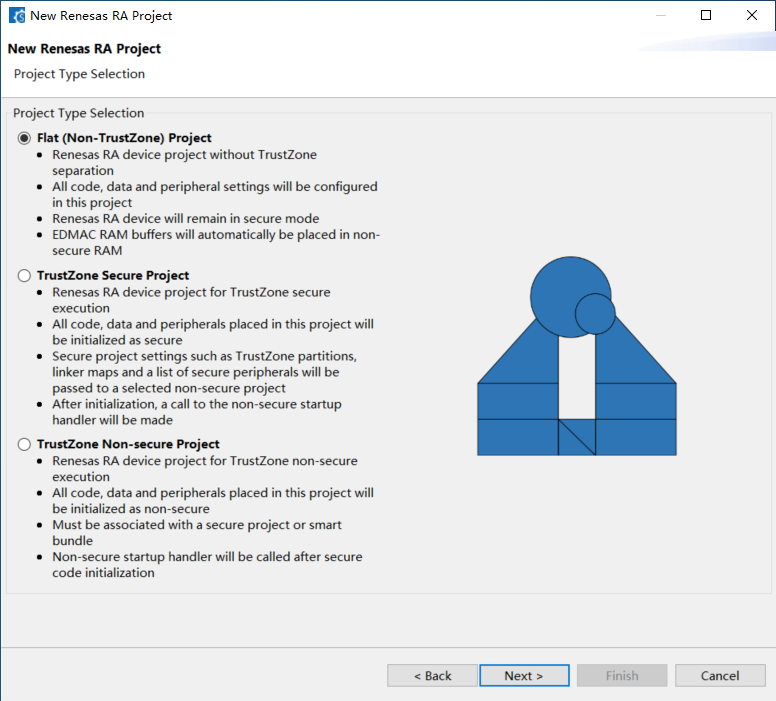
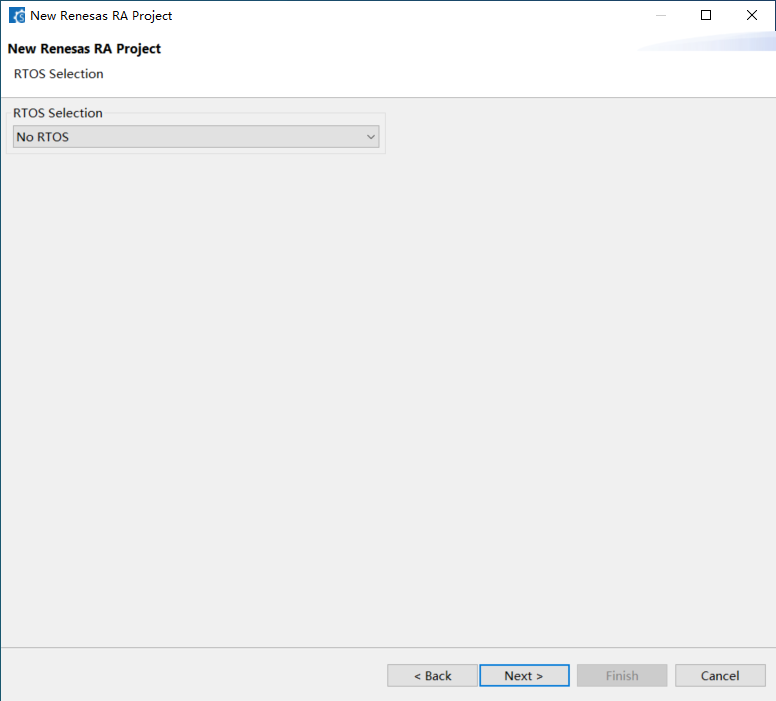
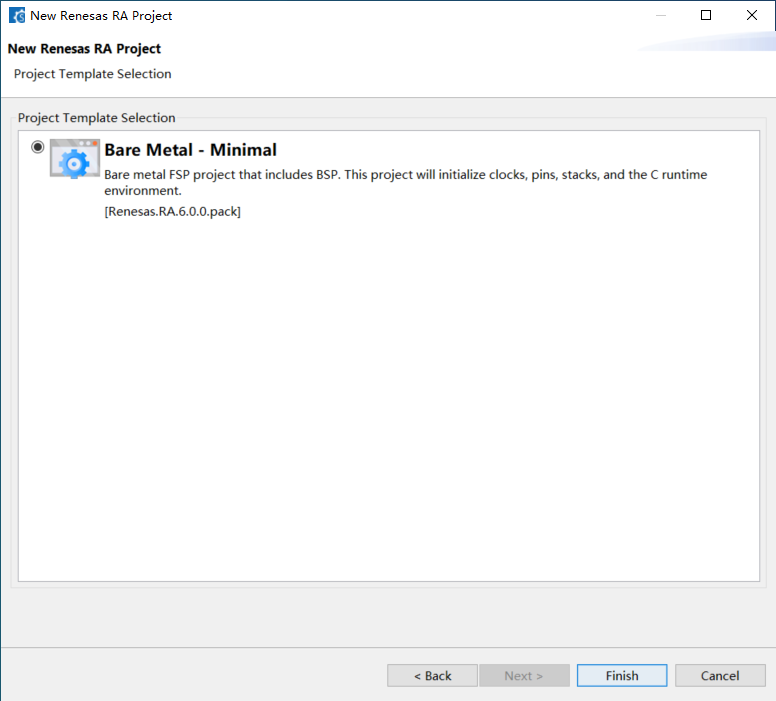
现在芯片型号和生成的工程工具


2.3、配置时钟和端口
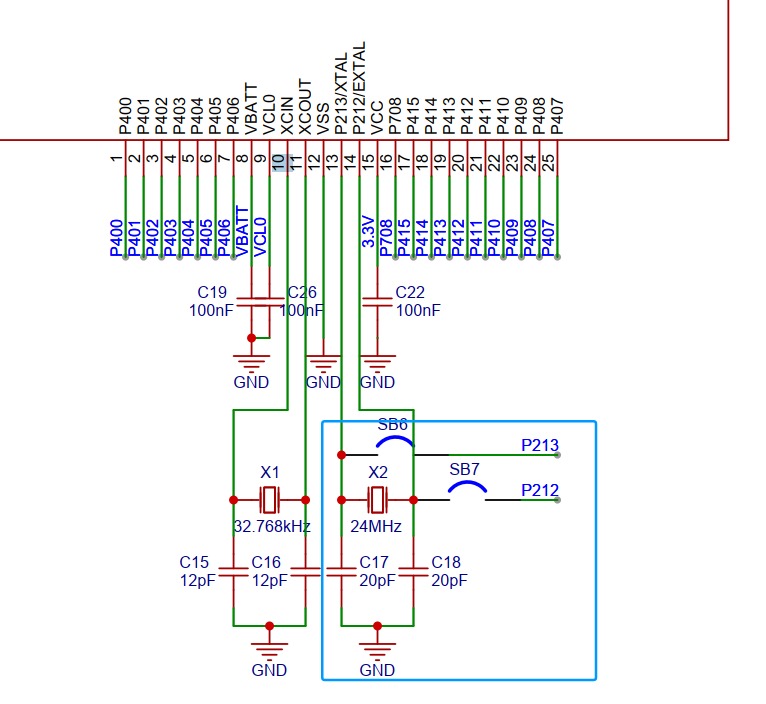
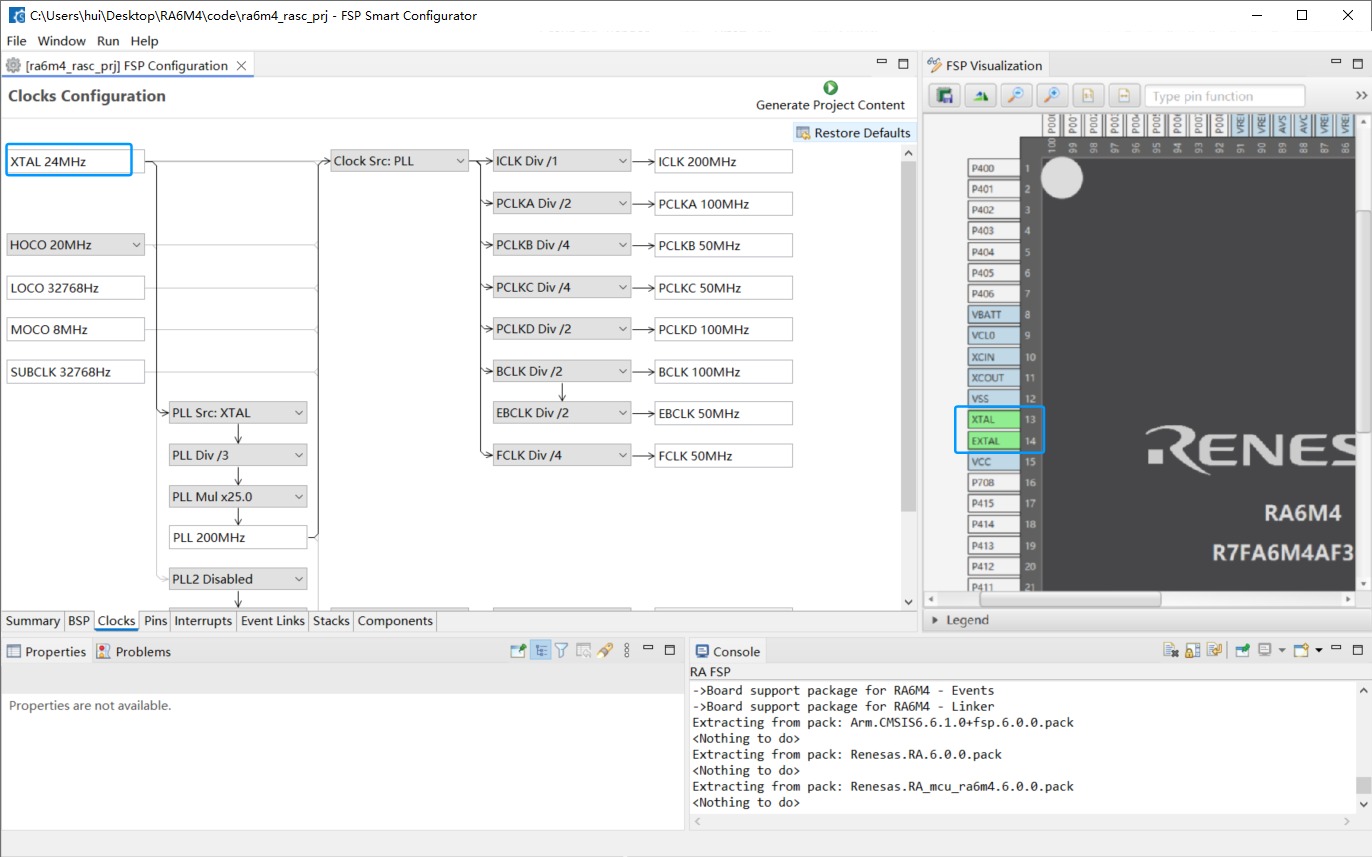
配置芯片使用外部晶振,板子上焊接的外部晶振是24MHz

配置时钟引脚

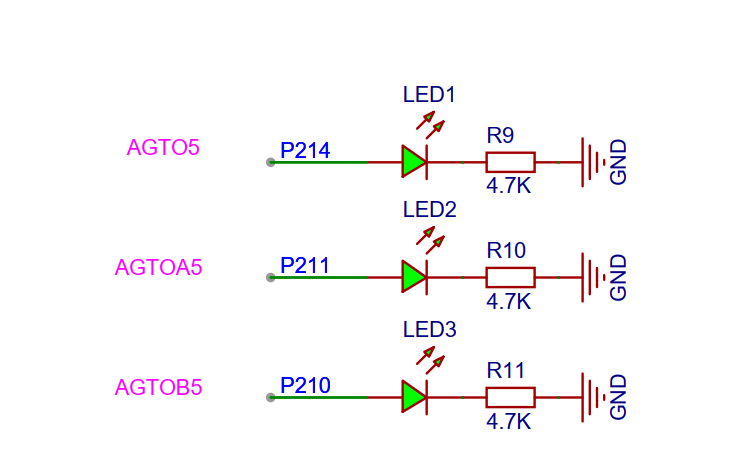
板子上三个LED灯,对应的IO口

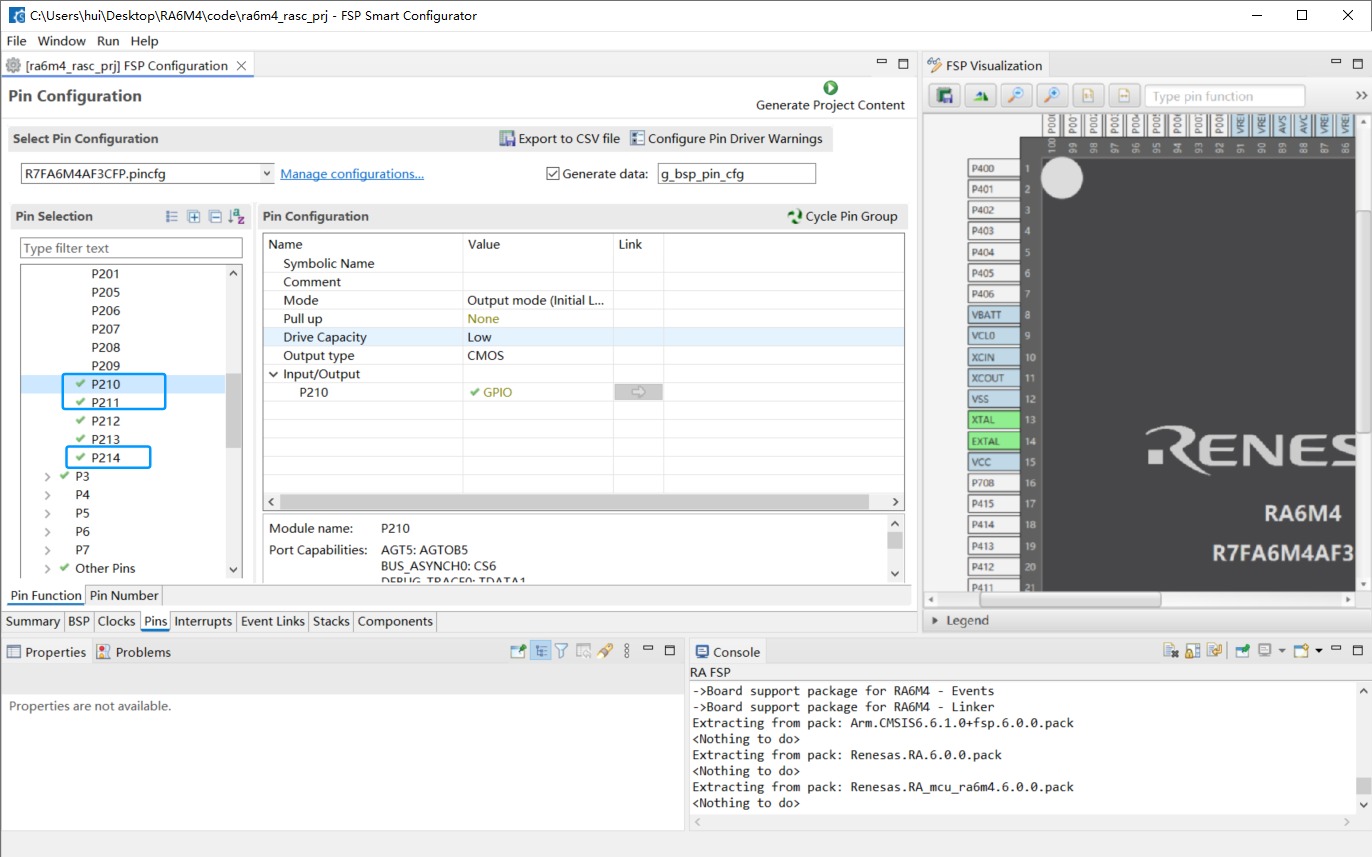
配置这个三个IO口为输出

配置完成后生成工程
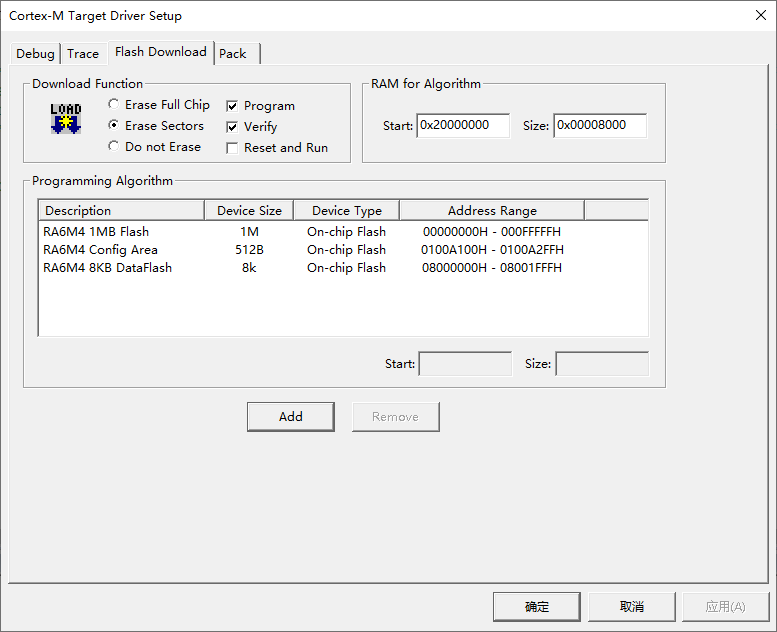
2.4、配置MDK

三、代码
工程创建完成后,在工程中添加LED灯的测试代码
3.1、fun_led.c
#include "hal_data.h"
#include "led/fun_led.h"
void init_led(void)
{
led1_off();
led2_off();
led3_off();
}
3.2、fun_led.h
#ifndef FUN_LED_H_
#define FUN_LED_H_
#include "r_ioport.h"
#define LED1_PORT BSP_IO_PORT_02_PIN_14
#define LED2_PORT BSP_IO_PORT_02_PIN_11
#define LED3_PORT BSP_IO_PORT_02_PIN_10
#define led1_on() R_IOPORT_PinWrite(&g_ioport_ctrl, LED1_PORT, BSP_IO_LEVEL_HIGH)
#define led2_on() R_IOPORT_PinWrite(&g_ioport_ctrl, LED2_PORT, BSP_IO_LEVEL_HIGH)
#define led3_on() R_IOPORT_PinWrite(&g_ioport_ctrl, LED3_PORT, BSP_IO_LEVEL_HIGH)
#define led1_off() R_IOPORT_PinWrite(&g_ioport_ctrl, LED1_PORT, BSP_IO_LEVEL_LOW)
#define led2_off() R_IOPORT_PinWrite(&g_ioport_ctrl, LED2_PORT, BSP_IO_LEVEL_LOW)
#define led3_off() R_IOPORT_PinWrite(&g_ioport_ctrl, LED3_PORT, BSP_IO_LEVEL_LOW)
void init_led(void);
#endif
3.3、hal_entry.c
#include "hal_data.h"
#include "led/fun_led.h"
FSP_CPP_HEADER
void R_BSP_WarmStart(bsp_warm_start_event_t event);
FSP_CPP_FOOTER
/*******************************************************************************************************************//**
* main() is generated by the RA Configuration editor and is used to generate threads if an RTOS is used. This function
* is called by main() when no RTOS is used.
**********************************************************************************************************************/
void hal_entry(void)
{
/* TODO: add your own code here */
init_led();
while(1)
{
R_BSP_SoftwareDelay(500, BSP_DELAY_UNITS_MILLISECONDS);
led1_on();
led2_off();
led3_on();
R_BSP_SoftwareDelay(500, BSP_DELAY_UNITS_MILLISECONDS);
led1_off();
led2_on();
led3_off();
}
#if BSP_TZ_SECURE_BUILD
/* Enter non-secure code */
R_BSP_NonSecureEnter();
#endif
}
四、运行结果
编译后,下载程序到开发板
led
|