打开RA4L1的原理图,上面有3个LED灯
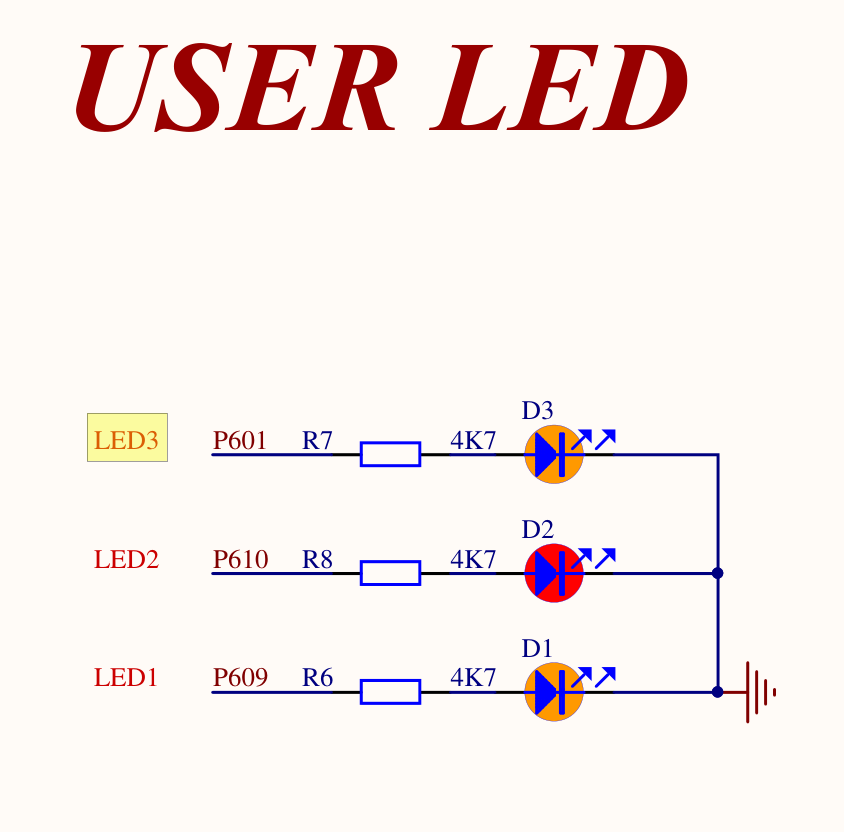
分别是
P601 -- LED3
P610 -- LED2
P609 -- LED1
任何人都知道,这3灯都是高电平 “1”点亮 “0”熄灭,不解释
打开瑞萨的SMART配置软件进行IO配置
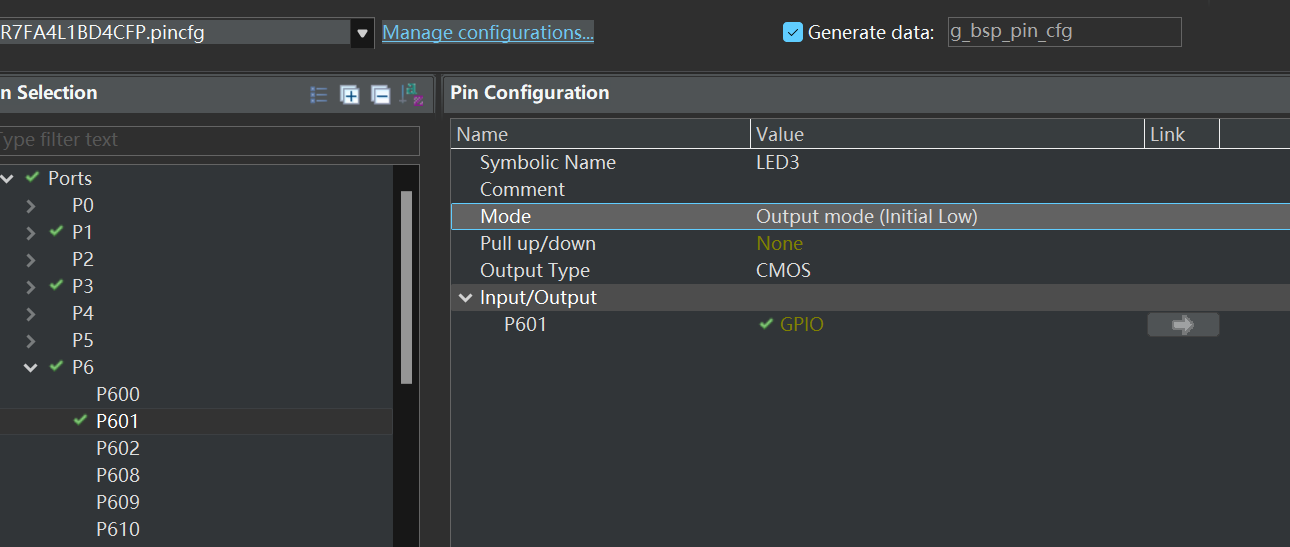

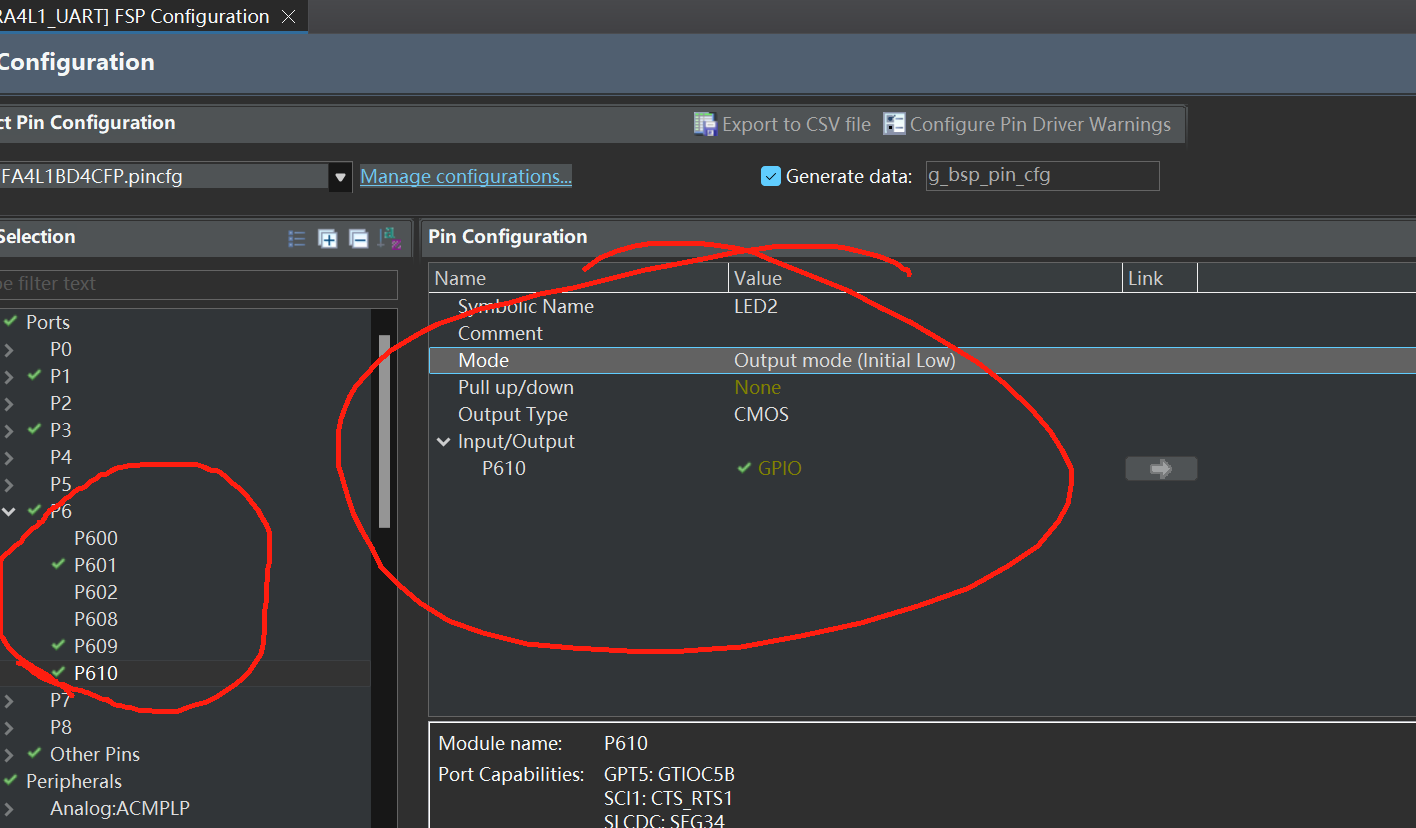
3灯配置完成
点击生成代码
默认我配置为熄灭
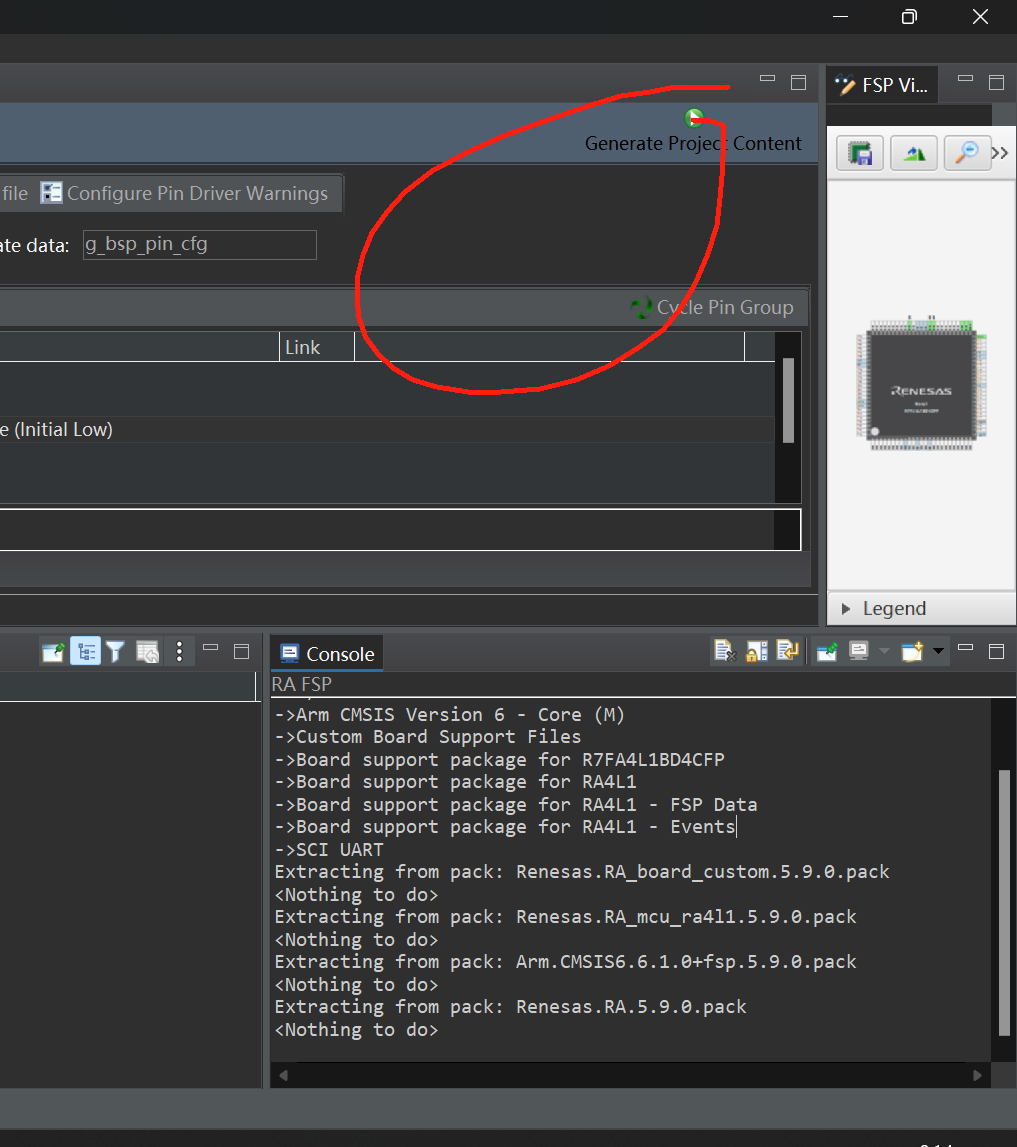
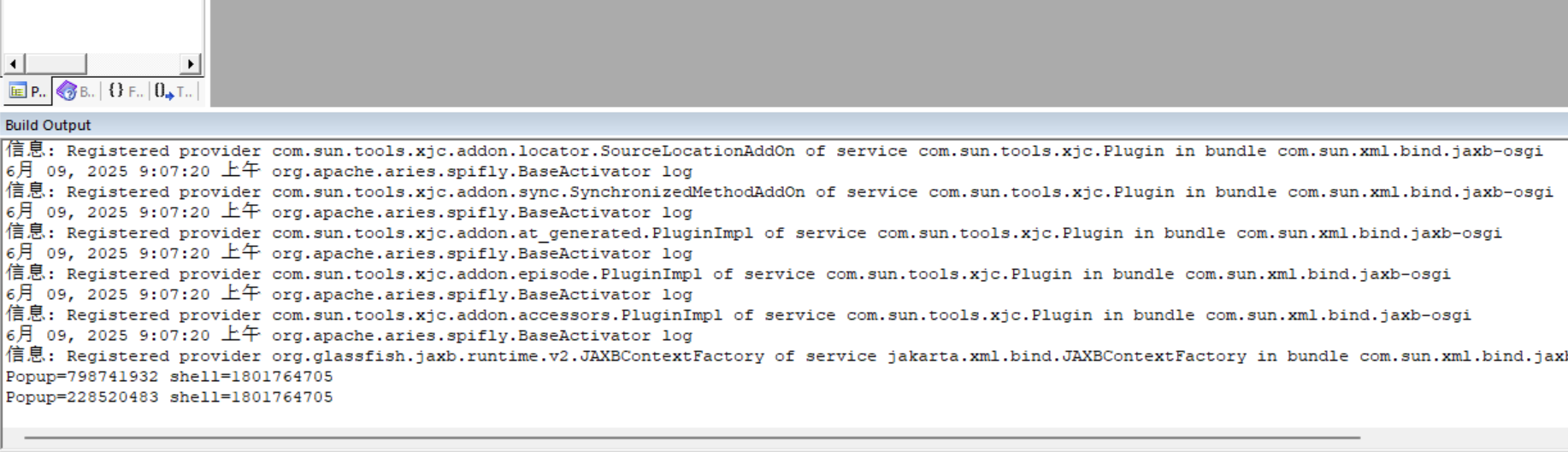
KEIL里面也显示smart生成软件生效了
修改LED功能代码
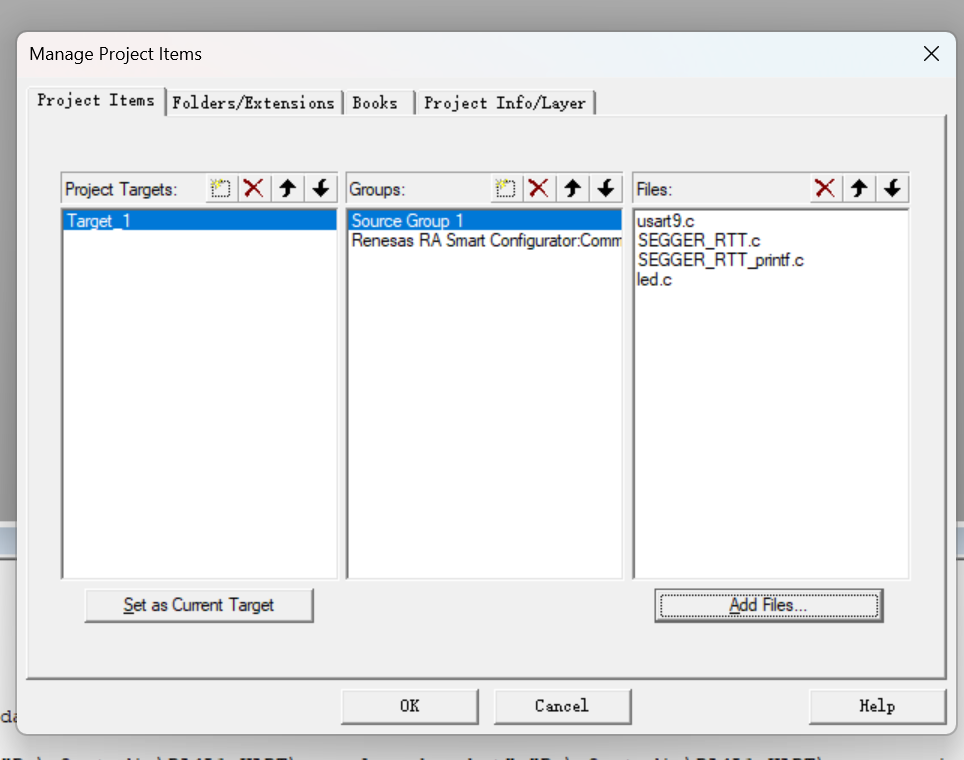
添加LED文件
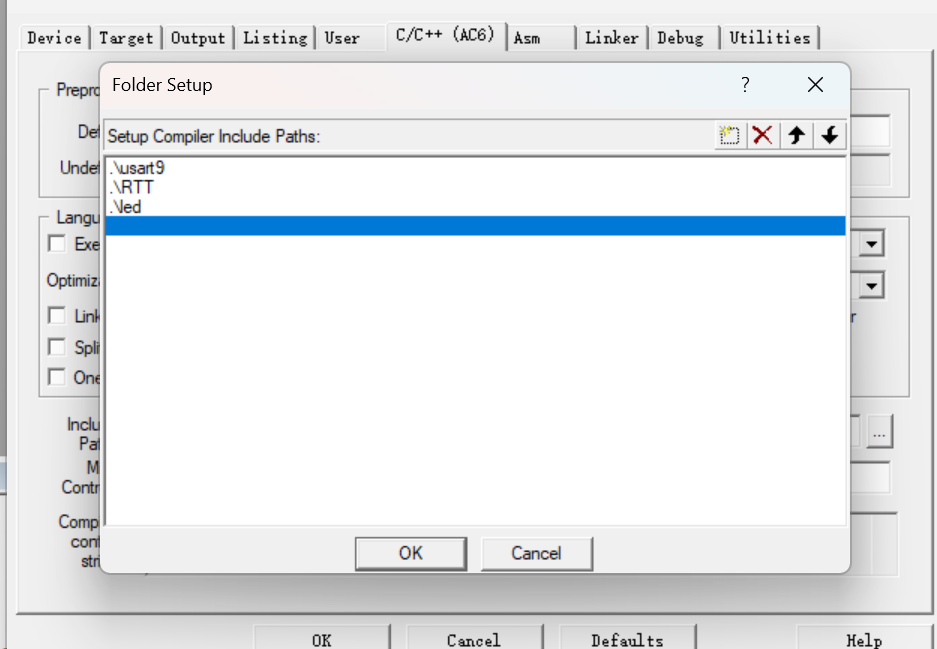
4。添加LED头文件
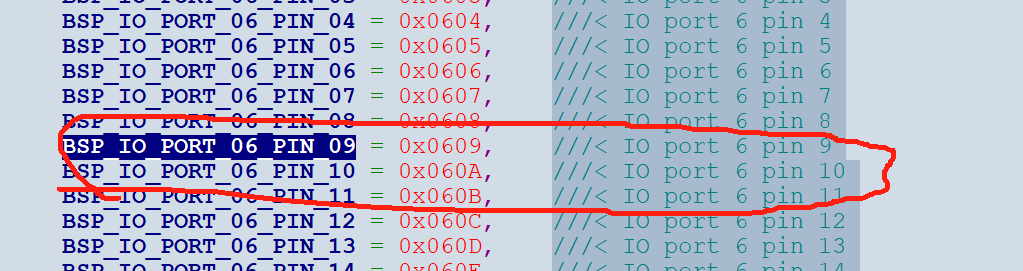
根据原理图引脚配置宏
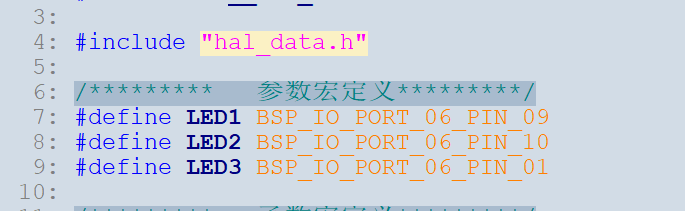
5。实现LED1LED2LED3功能函数
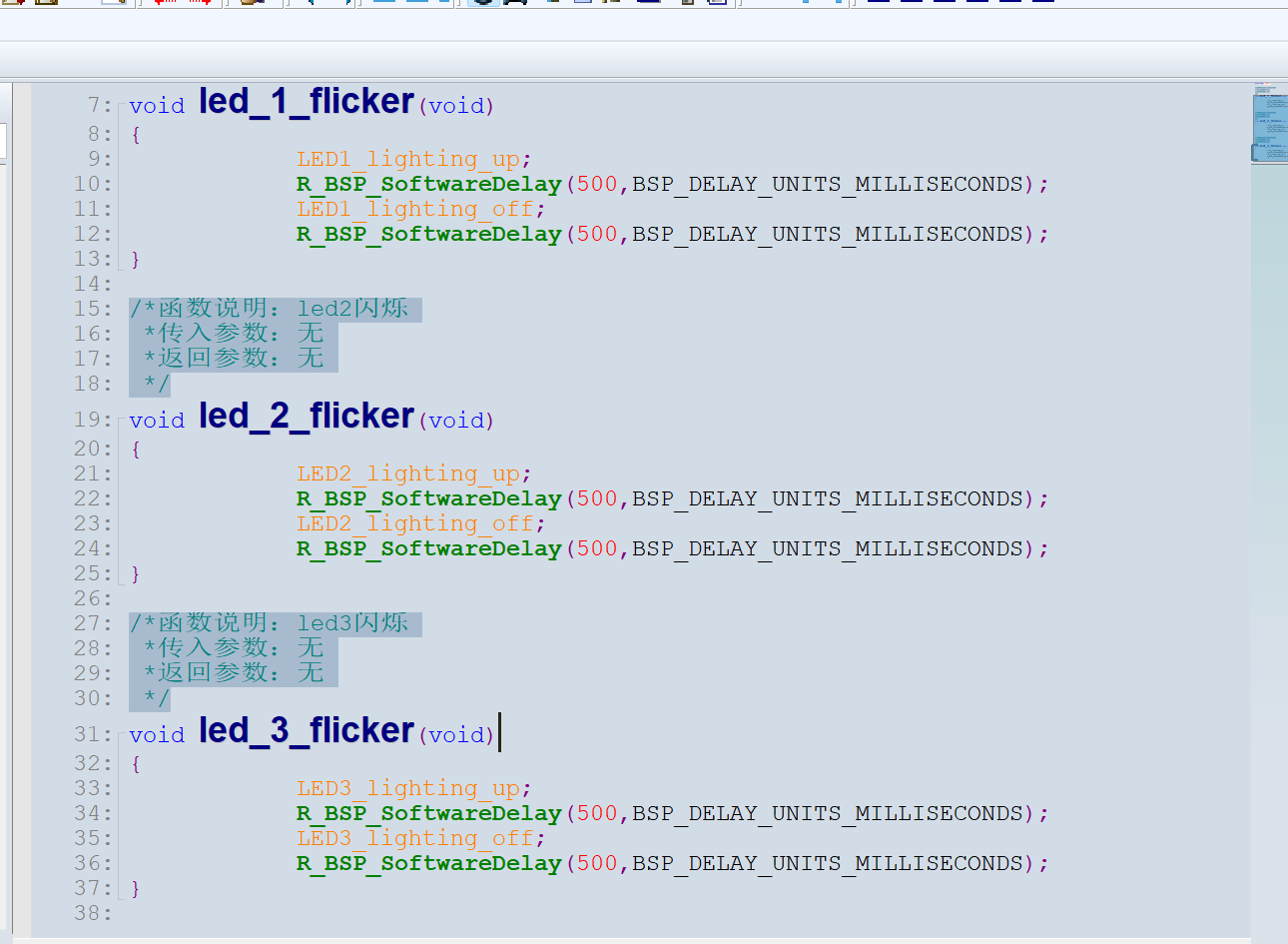
#include "led.h"
/*函数说明:led1闪烁
*传入参数:无
*返回参数:无
*/
void led_1_flicker(void)
{
LED1_lighting_up;
R_BSP_SoftwareDelay(500,BSP_DELAY_UNITS_MILLISECONDS);
LED1_lighting_off;
R_BSP_SoftwareDelay(500,BSP_DELAY_UNITS_MILLISECONDS);
}
/*函数说明:led2闪烁
*传入参数:无
*返回参数:无
*/
void led_2_flicker(void)
{
LED2_lighting_up;
R_BSP_SoftwareDelay(500,BSP_DELAY_UNITS_MILLISECONDS);
LED2_lighting_off;
R_BSP_SoftwareDelay(500,BSP_DELAY_UNITS_MILLISECONDS);
}
/*函数说明:led3闪烁
*传入参数:无
*返回参数:无
*/
void led_3_flicker(void)
{
LED3_lighting_up;
R_BSP_SoftwareDelay(500,BSP_DELAY_UNITS_MILLISECONDS);
LED3_lighting_off;
R_BSP_SoftwareDelay(500,BSP_DELAY_UNITS_MILLISECONDS);
}
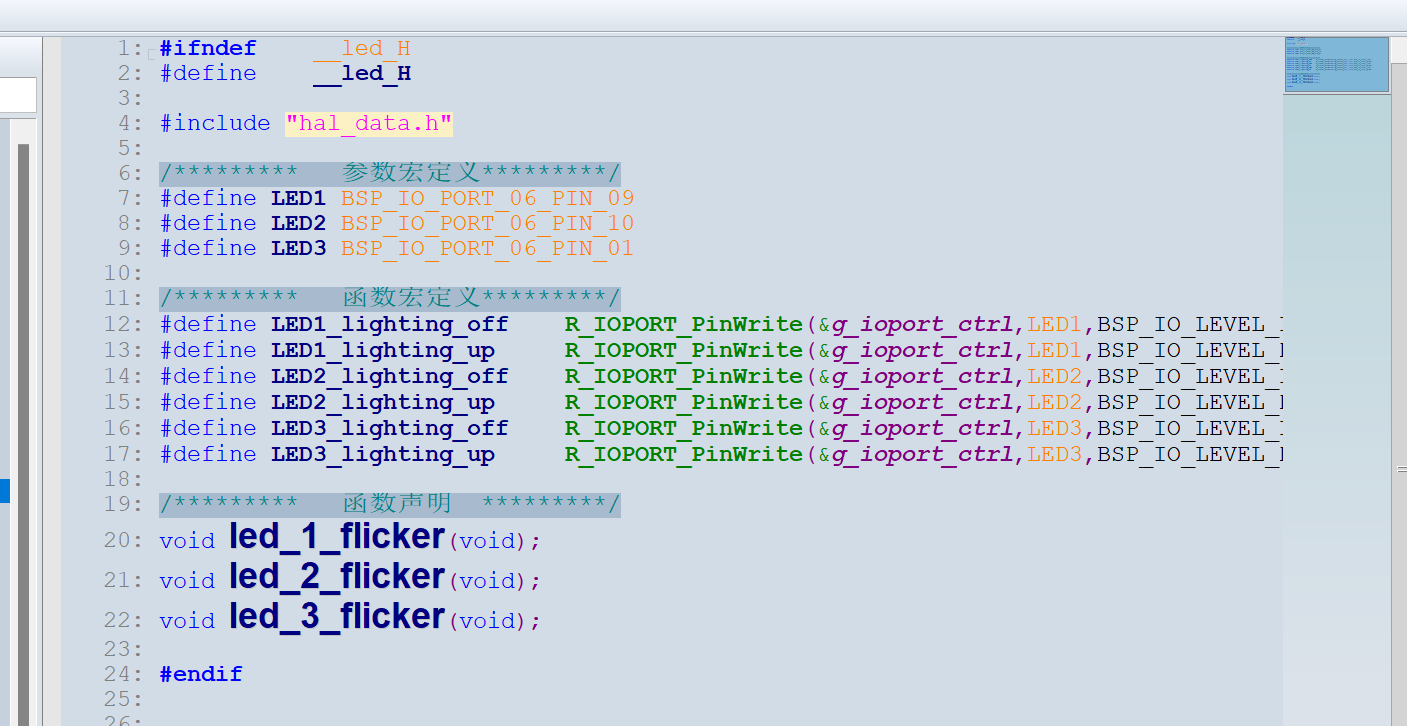
#ifndef __led_H
#define __led_H
#include "hal_data.h"
/********* 参数宏定义 *********/
#define LED1 BSP_IO_PORT_06_PIN_09
#define LED2 BSP_IO_PORT_06_PIN_10
#define LED3 BSP_IO_PORT_06_PIN_01
/********* 函数宏定义 *********/
#define LED1_lighting_off R_IOPORT_PinWrite(&g_ioport_ctrl,LED1,BSP_IO_LEVEL_LOW)
#define LED1_lighting_up R_IOPORT_PinWrite(&g_ioport_ctrl,LED1,BSP_IO_LEVEL_HIGH)
#define LED2_lighting_off R_IOPORT_PinWrite(&g_ioport_ctrl,LED2,BSP_IO_LEVEL_LOW)
#define LED2_lighting_up R_IOPORT_PinWrite(&g_ioport_ctrl,LED2,BSP_IO_LEVEL_HIGH)
#define LED3_lighting_off R_IOPORT_PinWrite(&g_ioport_ctrl,LED3,BSP_IO_LEVEL_LOW)
#define LED3_lighting_up R_IOPORT_PinWrite(&g_ioport_ctrl,LED3,BSP_IO_LEVEL_HIGH)
/********* 函数声明 *********/
void led_1_flicker(void);
void led_2_flicker(void);
void led_3_flicker(void);
#endif
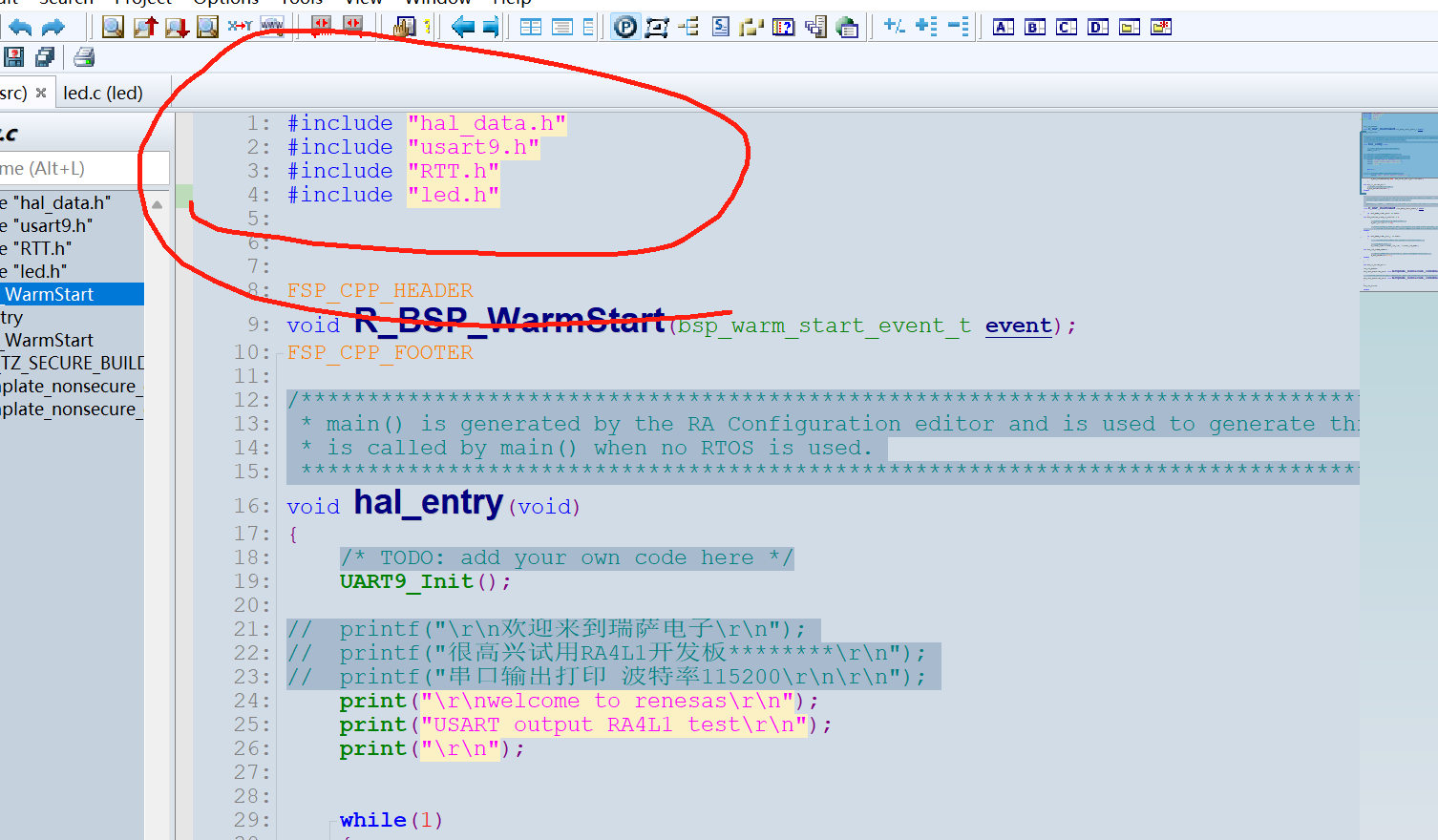
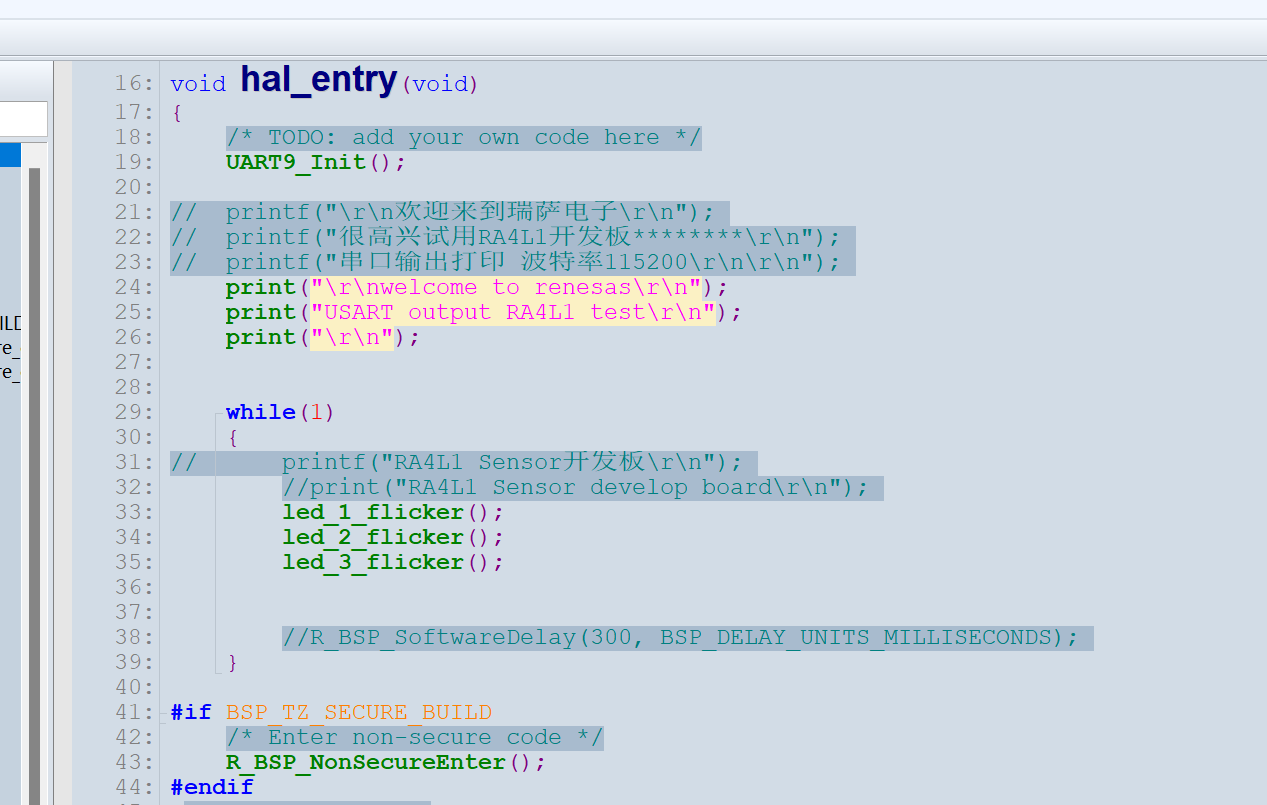
主函数中添加功能
#include "hal_data.h"
#include "usart9.h"
#include "RTT.h"
#include "led.h"
FSP_CPP_HEADER
void R_BSP_WarmStart(bsp_warm_start_event_t event);
FSP_CPP_FOOTER
/*******************************************************************************************************************//**
- main() is generated by the RA Configuration editor and is used to generate threads if an RTOS is used. This function
- is called by main() when no RTOS is used.
*********************************************************************************************************************/
void hal_entry(void)
{
/ TODO: add your own code here */
UART9_Init();
// printf("\r\n欢迎来到瑞萨电子\r\n");
// printf("很高兴试用RA4L1开发板********\r\n");
// printf("串口输出打印 波特率115200\r\n\r\n");
print("\r\nwelcome to renesas\r\n");
print("USART output RA4L1 test\r\n");
print("\r\n");
while(1)
{
// printf("RA4L1 Sensor开发板\r\n");
//print("RA4L1 Sensor develop board\r\n");
led_1_flicker();
led_2_flicker();
led_3_flicker();
}
#if BSP_TZ_SECURE_BUILD
/* Enter non-secure code */
R_BSP_NonSecureEnter();
#endif
}
/*******************************************************************************************************************//**
-
This function is called at various points during the startup process. This implementation uses the event that is
-
called right before main() to set up the pins.
-
@param[in] event Where at in the start up process the code is currently at
**********************************************************************************************************************/
void R_BSP_WarmStart (bsp_warm_start_event_t event)
{
if (BSP_WARM_START_RESET == event)
{
#if BSP_FEATURE_FLASH_LP_VERSION != 0
R_FACI_LP->DFLCTL = 1U;
#endif
}
if (BSP_WARM_START_POST_C == event)
{
R_IOPORT_Open(&IOPORT_CFG_CTRL, &IOPORT_CFG_NAME);
#if BSP_CFG_SDRAM_ENABLED
R_BSP_SdramInit(true);
#endif
}
}
#if BSP_TZ_SECURE_BUILD
FSP_CPP_HEADER
BSP_CMSE_NONSECURE_ENTRY void template_nonsecure_callable ();
/* Trustzone Secure Projects require at least one nonsecure callable function in order to build (Remove this if it is not required to build). */
BSP_CMSE_NONSECURE_ENTRY void template_nonsecure_callable ()
{
}
FSP_CPP_FOOTER
#endif
编译,烧录板子,可以看到LED1 LED2 LED3每隔500ms翻转
详情看视频!!!!!!

 /9
/9 



 工商网监
湘ICP备2023018690号
工商网监
湘ICP备2023018690号


 1877
1877


 淘帖
淘帖 884
884










