当把开发环境配置好之后就可以顺利的进行后面的开发了
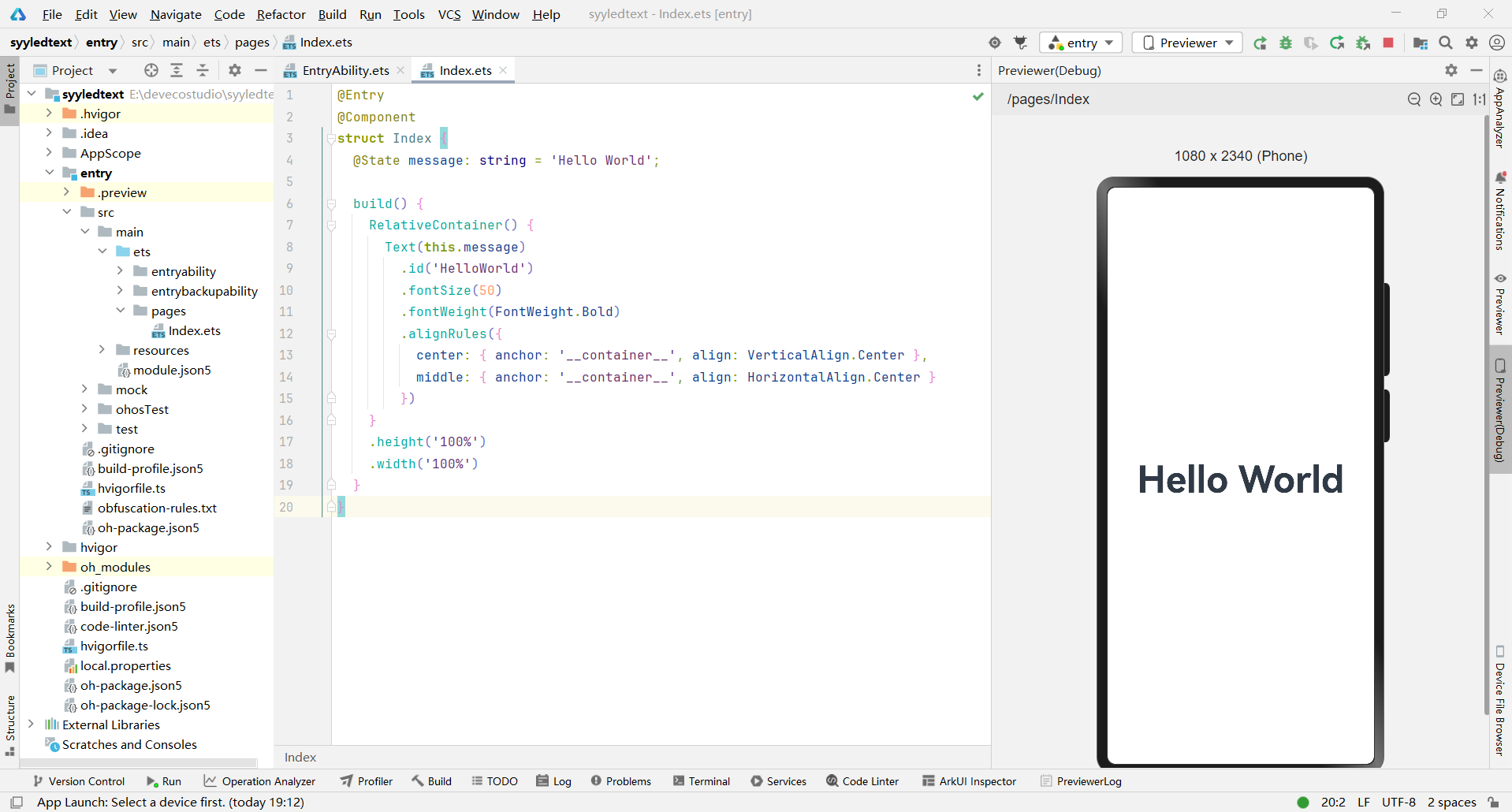
可以直接在这个环境里面用preview的形式进行开发,当然这个里面不能调试,如果要调试的话,还是要下载一个虚拟环境,但是这个虚拟环境占用空间比较大,自己决定?
另外也可以直接在硬件端进行,就是直接下载到硬件里面调试。
开始上手的时候做了一个无聊的小游戏,熟悉一下相关语言和语法。
interface ShapeInfo {
id: number;
type: 'Circle' | 'Ellipse';
color: ResourceColor;
width: string;
height: string;
}
@Entry
@Component
struct Index {
@State shapes: ShapeInfo[] = [];
private shapeTypes: ('Circle' | 'Ellipse')[] = ['Circle', 'Ellipse'];
aboutToAppear() {
this.generateRandomShapes();
}
generateRandomShapes() {
const newShapes: ShapeInfo[] = [];
const totalGrids = 8;
for (let i = 0; i < totalGrids; i++) {
const randomTypeIndex = Math.floor(Math.random() * this.shapeTypes.length);
const type = this.shapeTypes[randomTypeIndex];
const r = Math.floor(Math.random() * 256);
const g = Math.floor(Math.random() * 256);
const b = Math.floor(Math.random() * 256);
const hexR = r.toString(16).padStart(2, '0');
const hexG = g.toString(16).padStart(2, '0');
const hexB = b.toString(16).padStart(2, '0');
const color: ResourceColor = `#${hexR}${hexG}${hexB}`;
const size = Math.floor(Math.random() * 40) + 40;
newShapes.push({
id: i,
type: type,
color: color,
width: `${size}%`,
height: `${size}%`
});
}
this.shapes = newShapes;
}
swapRowItems(clickedIndex: number) {
const partnerIndex = (clickedIndex % 2 === 0) ? clickedIndex + 1 : clickedIndex - 1;
if (partnerIndex < 0 || partnerIndex >= this.shapes.length) {
return;
}
const newShapes = [...this.shapes];
const temp = newShapes[clickedIndex];
newShapes[clickedIndex] = newShapes[partnerIndex];
newShapes[partnerIndex] = temp;
this.shapes = newShapes;
}
build() {
Column() {
Grid() {
ForEach(
this.shapes,
(item: ShapeInfo, index: number) => {
GridItem() {
if (item.type === 'Circle') {
Circle()
.width(item.width)
.aspectRatio(1)
.fill(item.color)
} else if (item.type === 'Ellipse') {
Ellipse()
.width(item.width)
.height(item.height)
.fill(item.color)
}
}
.padding(5)
.backgroundColor(Color.White)
.shadow({ radius: 6, color: '#1F000000', offsetX: 2, offsetY: 4 })
.borderRadius(15)
.onClick(() => {
this.swapRowItems(index);
})
},
(item: ShapeInfo) => item.id.toString()
)
}
.columnsTemplate('1fr 1fr')
.rowsTemplate('1fr 1fr 1fr 1fr')
.columnsGap(10)
.rowsGap(10)
.padding(10)
.layoutWeight(1)
Button({ type: ButtonType.Capsule, stateEffect: true }) {
Text('Regenerate Shapes')
.fontSize(20)
.fontWeight(FontWeight.Bold)
}
.width('60%')
.height(50)
.margin({ top: 20, bottom: 20 })
.onClick(() => {
this.generateRandomShapes();
})
}
.width('100%')
.height('100%')
.backgroundColor('#F1F3F5')
.justifyContent(FlexAlign.Center)
}
}
将这段代码直接运行就可以看到效果了,我就不截图了。
第二个项目是跟着B站上面的视频,做了一个音乐播放器。
这里的代码就不放了?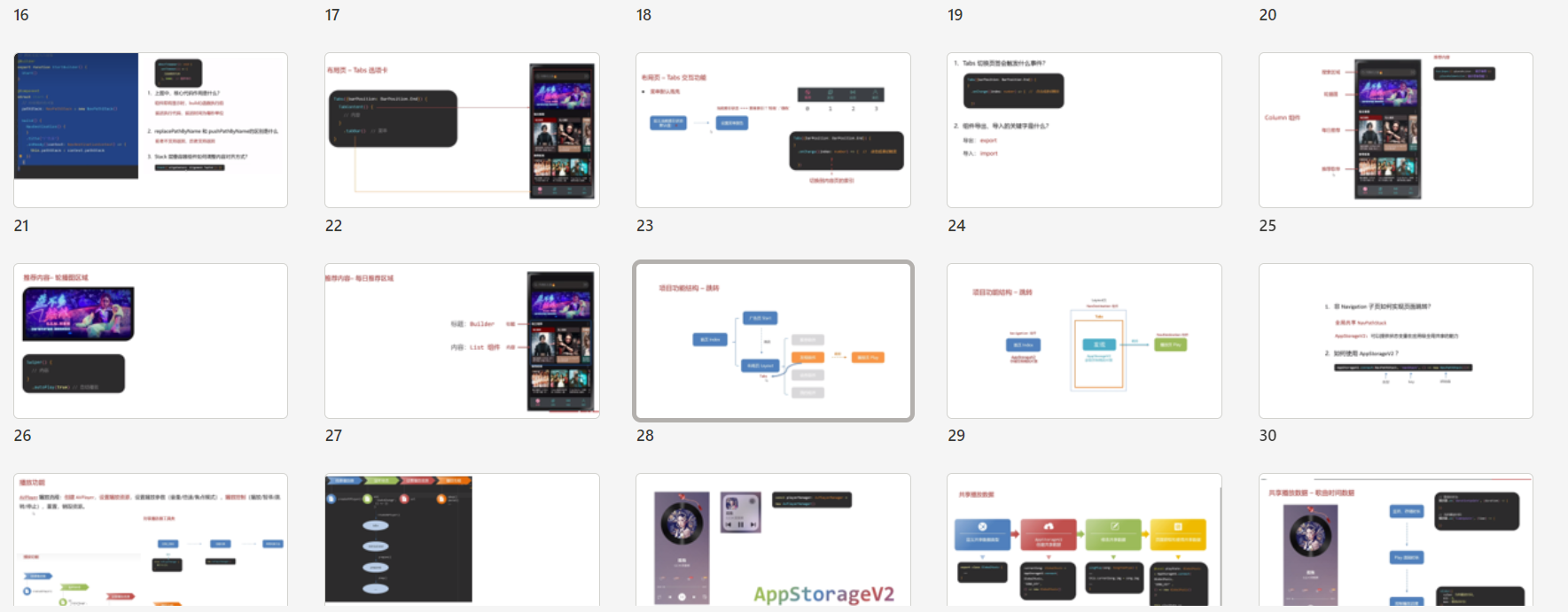
只上一张听课的记录ppt。
当然这个代码也是开源的,如果大家感兴趣可以自己食用。
https://www.yuque.com/zhaoyanqiu-ofgdd/ghyvbg
最后,觉得还是对这个arkts语言比较不熟悉,所以还是又听了一个教学内容
https://www.bilibili.com/video/BV18Em8YFEBD/?spm_id_from=333.788.player.switch&vd_source=fdfefaca3fb114a432c0089566c60451&p=84
总之熟练运用这些内容,并非一朝之功,需要不断积累才可以。我就先发一篇文章,作为最近的总结。也表示对任务的进展的记录吧。
| 
 电子发烧友论坛
 0
0
 /9
/9 



 工商网监
湘ICP备2023018690号
工商网监
湘ICP备2023018690号


 801
801
 淘帖
淘帖










