添加自己的APP代码
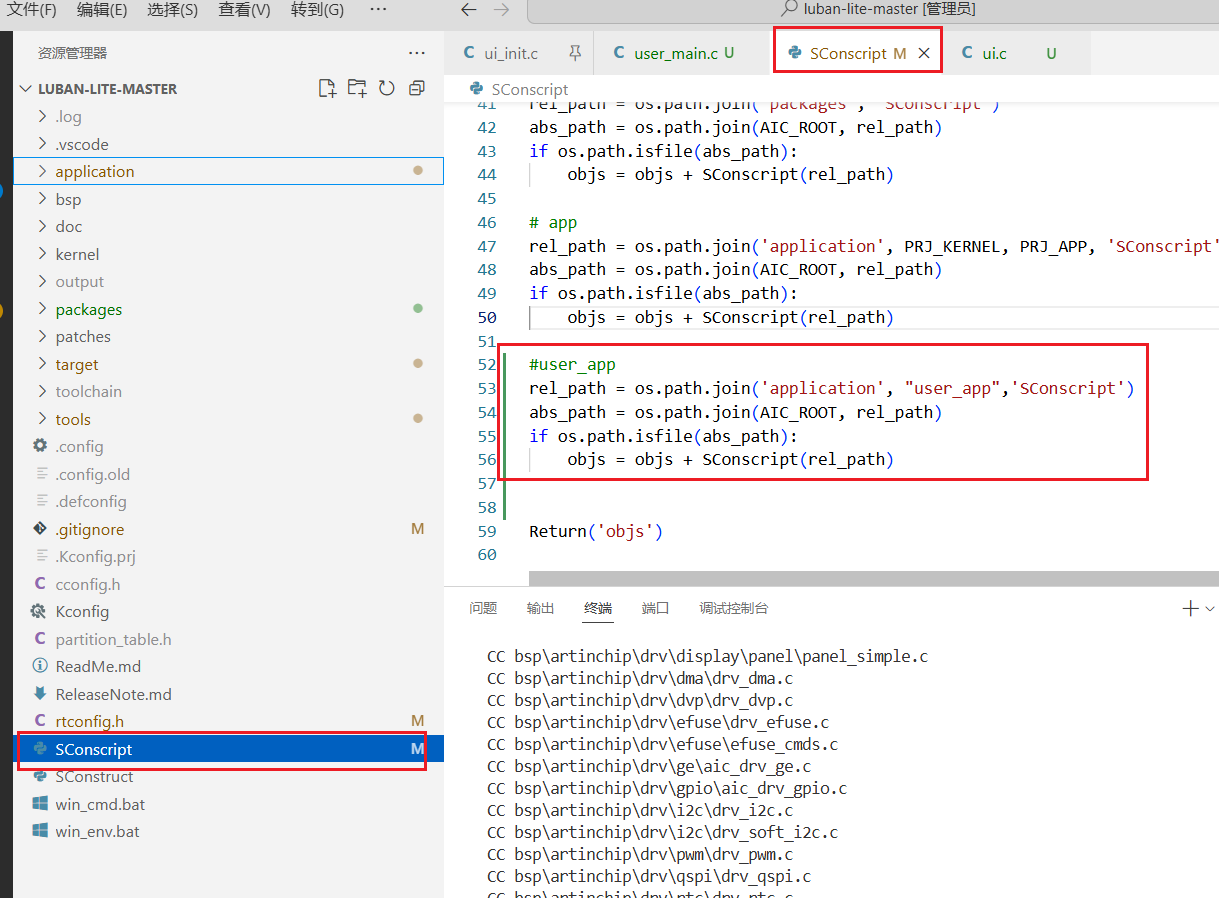
**修改SConscript文件,**修改此文件会导致整个工程重新编译
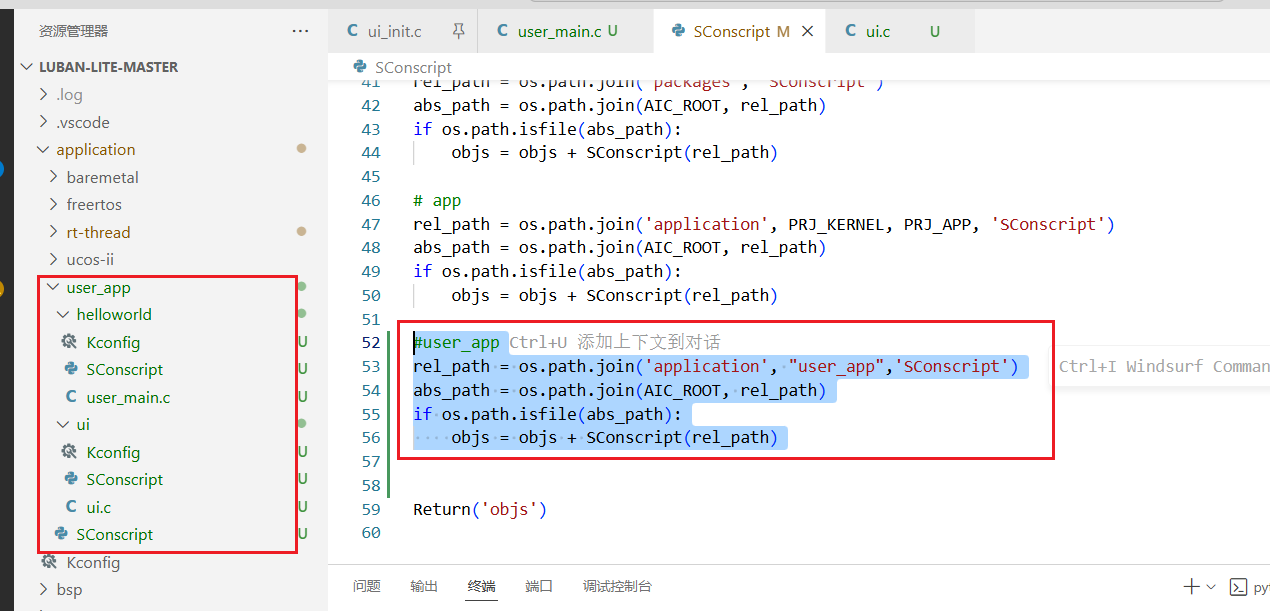
添加user_app目录及子目录
SConscript
user_app内部的SConscript文件都是一样的,复制于application\rt-thread\helloworld\SConscript,Kconfig都是空文件


**这个构建脚本大致意思是,**添加当前目录的c文件到构建系统,递归添加子目录的c文件到构建系统
Import('RTT_ROOT')
Import('rtconfig')
from building import *
cwd = GetCurrentDir()
src = Glob('*.c')
CPPPATH = [cwd, ]
CFLAGS = ' -c -ffunction-sections'
group = DefineGroup('Applications', src, depend = [''], CPPPATH = CPPPATH, CFLAGS=CFLAGS)
list = os.listdir(cwd)
for item in list:
if os.path.isfile(os.path.join(cwd, item, 'SConscript')):
group = group + SConscript(os.path.join(item, 'SConscript'))
Return('group')
application\user_app\helloworld\user_main.c
#include <rtthread.h>
#ifdef RT_USING_ULOG
#include <ulog.h>
#endif
rt_device_t g_serial;
int user_app_entry(void)
{
log_i("INIT_APP_EXPORT Hello World!\n");
g_serial = rt_device_find("uart2");
if (!g_serial)
{
log_w("find %s failed!\n", "uart2");
return -RT_ERROR;
}
rt_err_t ret = rt_device_open(g_serial, RT_DEVICE_OFLAG_RDWR | RT_DEVICE_FLAG_INT_RX);
if (ret != RT_EOK)
{
log_w("open %s failed !\n", "uart2");
return -RT_ERROR;
}
return 0;
}
INIT_APP_EXPORT(user_app_entry);
application\user_app\ui\ui.c
#include <rtthread.h>
#ifdef RT_USING_ULOG
#include <ulog.h>
#endif
extern rt_device_t g_serial;
void screen_button_1_custom_clicked(void)
{
char *msg = "Hello World!\n";
log_i("send:%s\n",msg);
rt_device_write(g_serial, 0, msg, strlen(msg));
}
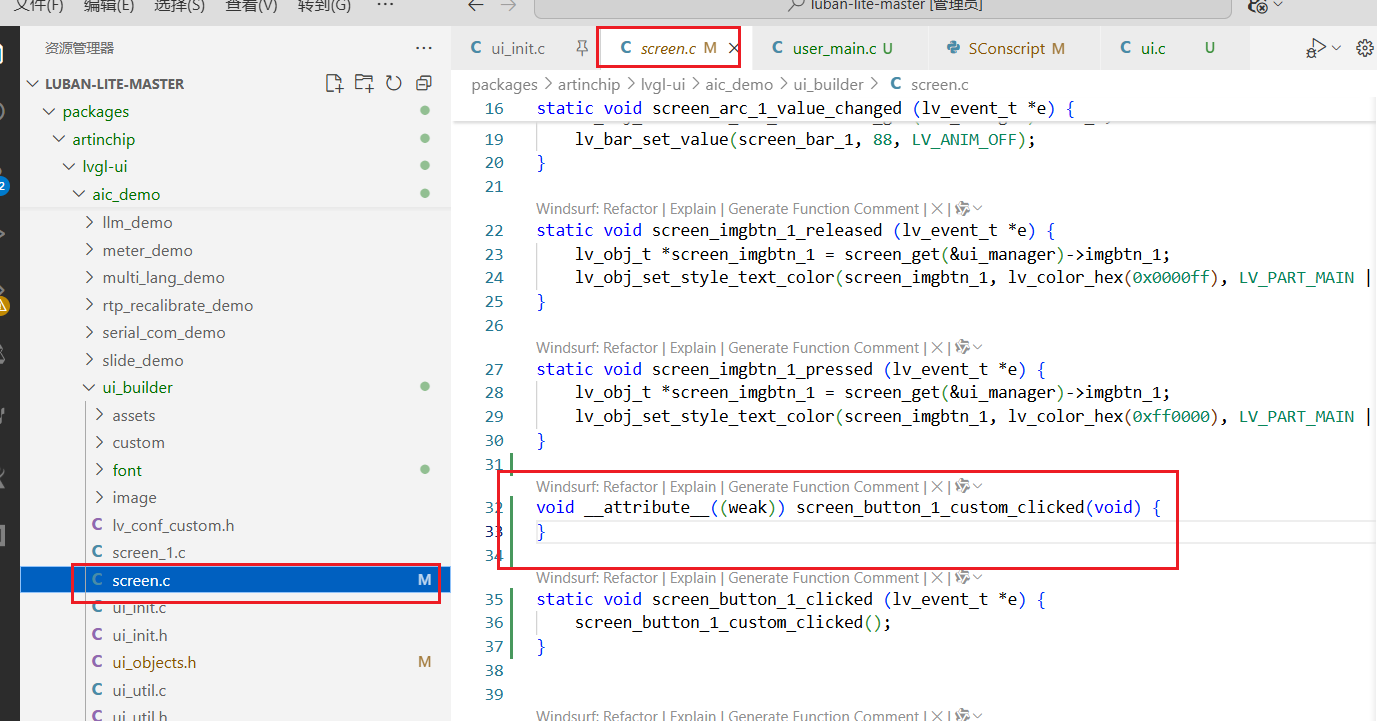
screen_button_1_custom_clicked这个是按键点击的重写函数,原本是弱定义

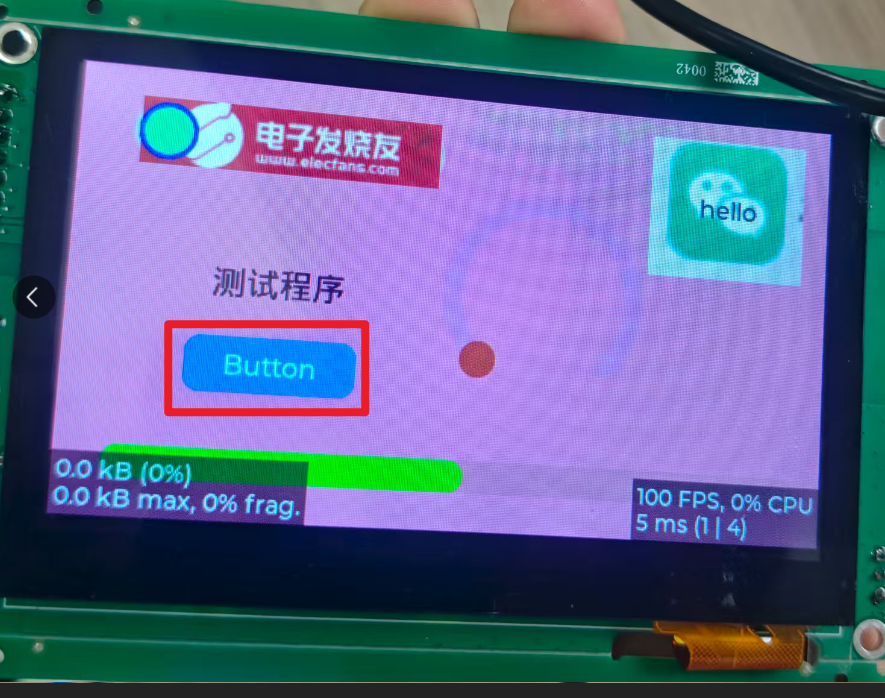
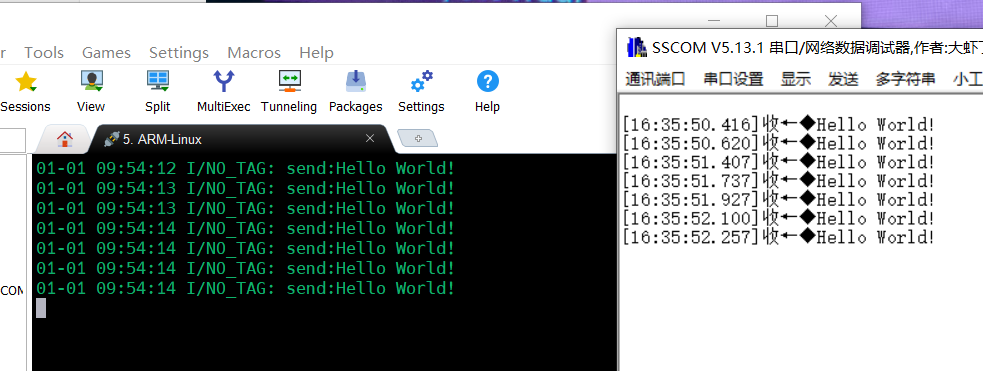
测试结果
点击button串口发送hello word


|