
wifi上网配置文件在 /etc/netplan/41-wifi-init.yaml
我们只需要配置我需要连接到的wifi路由器上,配置文件如下:
root@EASY-EAI-NANO-TB:/# cat /etc/netplan/41-wifi-init.yaml
network:
  version: 2
  renderer: networkd
  wifis:
    wlan0:
      optional: true
      dhcp4: true   //配置DHCP
      dhcp4-overrides:
        route-metric: 200
      access-points:  //配置用户名与密码
        "HUAWEI-H10R9U":
          password: "pwd"
修改好配置文件后,需要执行:
sudo netplan generate
sudo netplan apply
【验证】
使用ifconfig查找网络情况: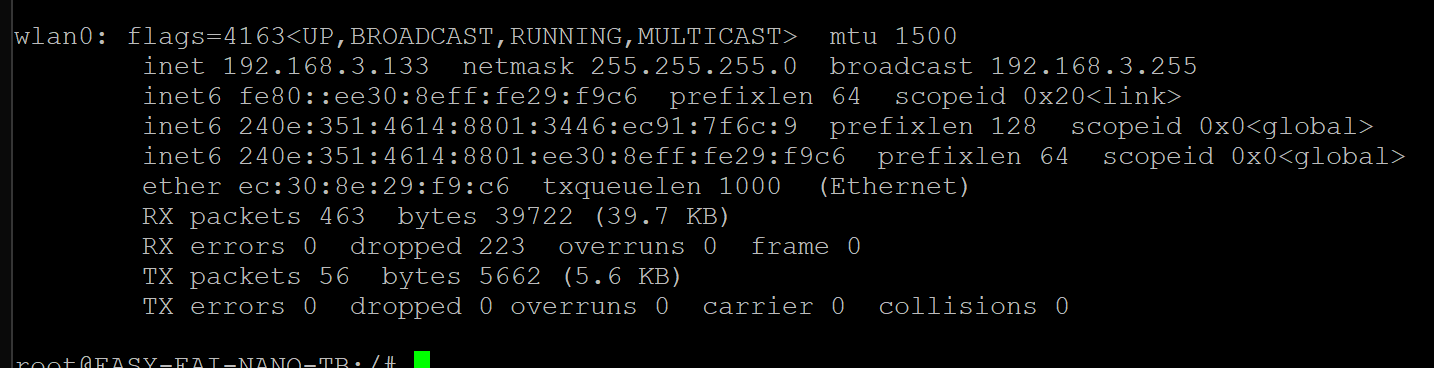
使用PC对他进行PING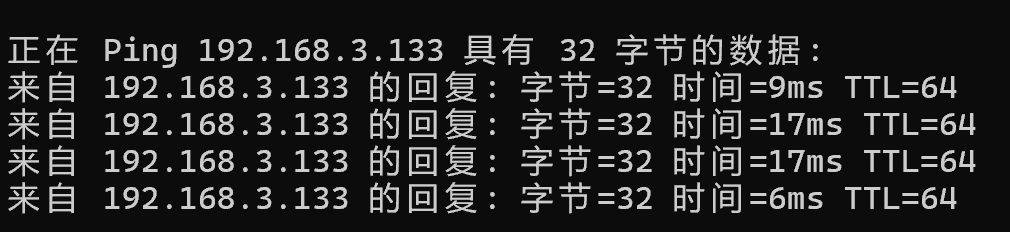
【总结】
配置wifi,只需要找到对应的配置文件,并修改对应的SSID与PWD就可以快速上网。
更多回帖


