代码实现
import socket from '@ohos.net.socket';
@Entry
@Component
struct SocketPage {
build() {
Row() {
Column() {
Text( '启动服务端')
.fontSize(30)
.backgroundColor(Color.Red)
.width('80%')
.height(80)
.fontWeight(FontWeight.Bold)
.onClick(() => {
let udp = socket.constructUDPSocke
tinstance();
udp.bind({ address: 'localhost', port: 8088 }, err =>{
if (err){
console.log('server bind fail:' + JSON.stringify(err));
}
console.log('server bind success');
});
udp.on("message", value =>{
console.log("server message:" + value.message + ", remoteInfo:" + JSON.stringify(value.remoteInfo));
})
})
Text( '启动客户端')
.fontSize(30)
.width('80%')
.height(80)
.margin({top : 50})
.fontWeight(FontWeight.Bold)
.onClick(() => {
let udp = socket.constructUDPSocketInstance();
//TODO 如果bind 则send fail:{"code":22},反之send fail:{"code":88}
udp.bind({address:'localhost'})
let send = udp.send({
data: 'Hello, server!',
address: {
address: 'localhost',
port : 8088
}
})
send.then(() => {
console.log('client send success');
}).catch(err => {
console.log('client send fail:' + JSON.stringify(err));
});
udp.on("message", value =>{
console.log("client message:" + value.message + ", remoteInfo:" + JSON.stringify(value.remoteInfo));
})
})
}
.width('100%')
}
.height('100%')
}
}
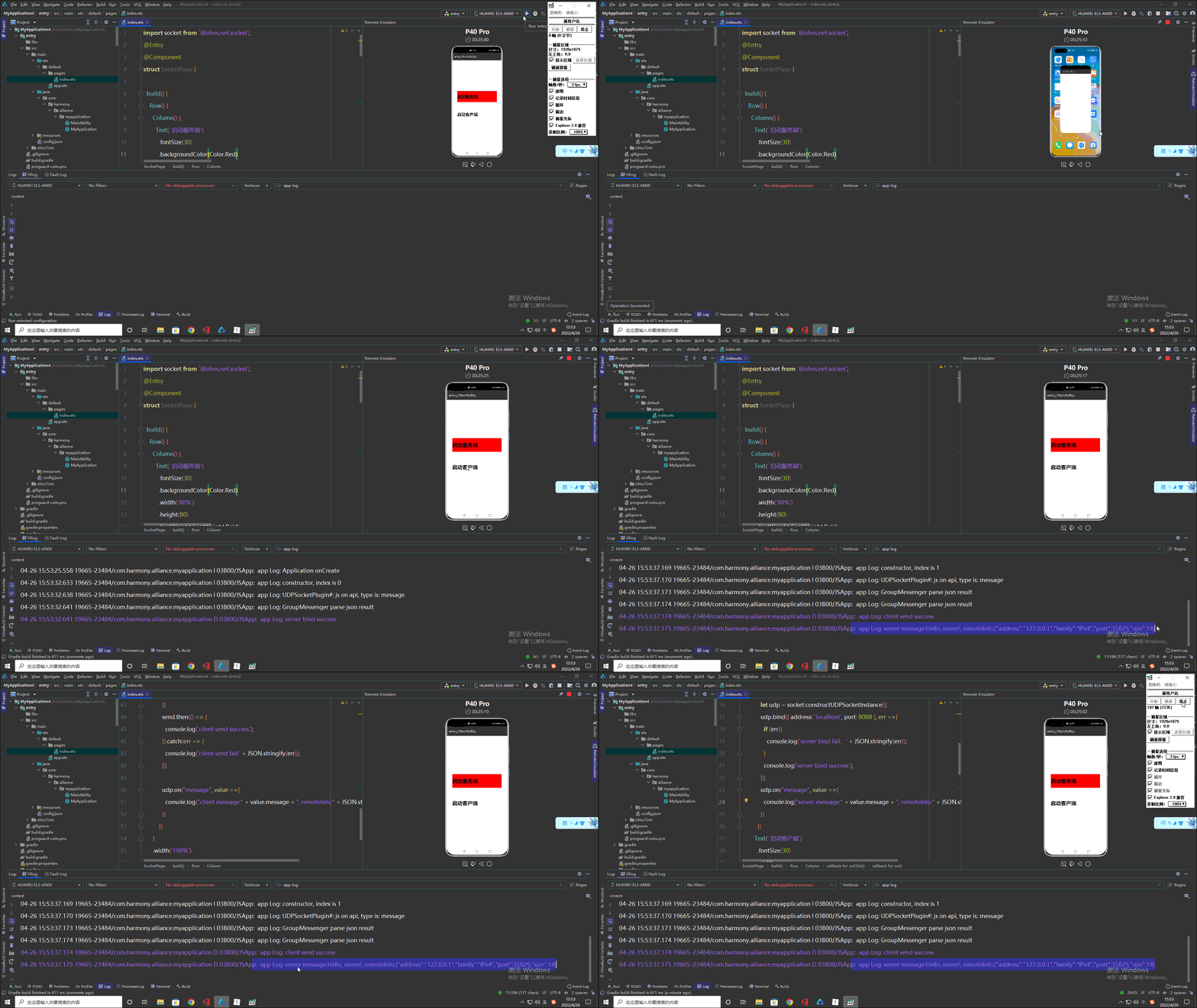
运行效果
原作者:我不是猫了


