上节我已经讲解并实现了使用串口实现不定长度数据的接收,本篇帖子我来采用环形队列来实现不定长度数据的接收和发送。
循环队列在嵌入式当中应用的十分广泛,很多协议的解析都需要环形队列来进行数据的收发。
好了,话不多说,直接进入正题。
我的核心代码如下:
#ifndef USART_RING_H_
#define USART_RING_H_
#include "hal_data.h"
#define UART_RX_BUFFER_SIZE 128
uint16_t uart_available(void);
uint8_t uart_read(void);
void clear_uart_buff();
#endif /* USART_RING_H_ */
#include "usart_ring.h"
/////////////////// USART /////////////////////
volatile uint16_t rx_buffer_head = 0;
volatile uint16_t rx_buffer_tail = 0;
uint8_t rx_buffer[UART_RX_BUFFER_SIZE] = {0,};
void clear_uart_buff()
{
rx_buffer_head = 0;
rx_buffer_tail = 0;
}
uint16_t uart_available(void)
{
return ((uint16_t)(UART_RX_BUFFER_SIZE + rx_buffer_head - rx_buffer_tail)) % UART_RX_BUFFER_SIZE;
}
uint8_t uart_read(void)
{
if(rx_buffer_head == rx_buffer_tail)
{
return 0;
}
else
{
uint8_t c = rx_buffer[rx_buffer_tail];
rx_buffer_tail = (uint16_t)(rx_buffer_tail + 1) % UART_RX_BUFFER_SIZE;
return c;
}
}
上面就是循环队列的功能函数
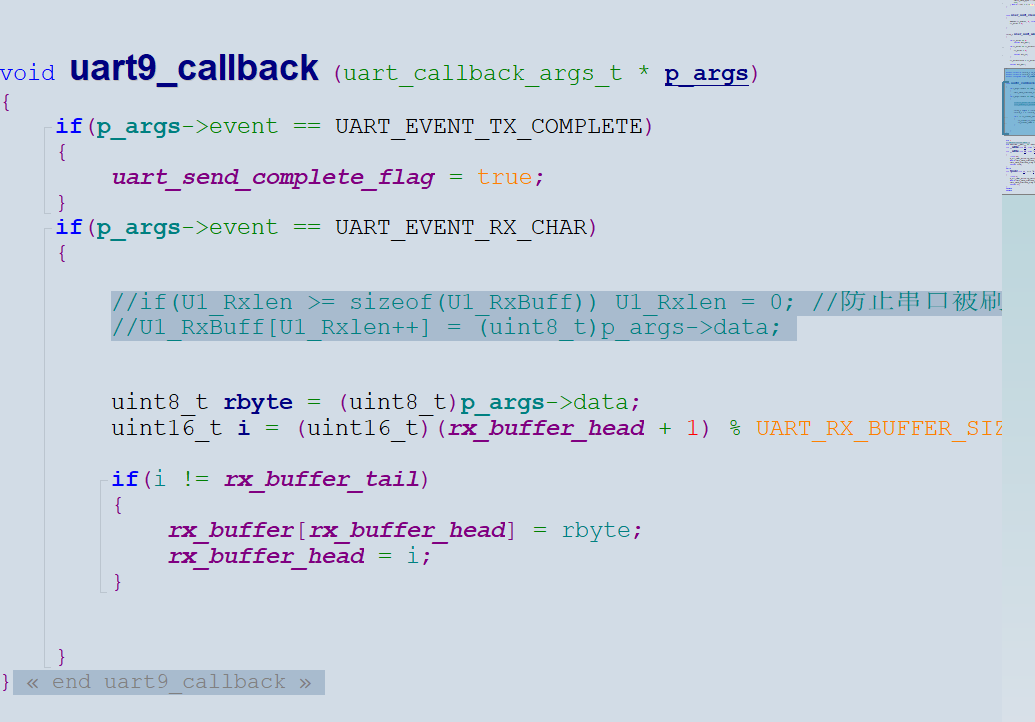
主要是要在串口中断接收函数中进行调用处理
void uart9_callback (uart_callback_args_t * p_args)
{
if(p_args->event == UART_EVENT_TX_COMPLETE)
{
uart_send_complete_flag = true;
}
if(p_args->event == UART_EVENT_RX_CHAR)
{
uint8_t rbyte = (uint8_t)p_args->data;
uint16_t i = (uint16_t)(rx_buffer_head + 1) % UART_RX_BUFFER_SIZE;
if(i != rx_buffer_tail)
{
rx_buffer[rx_buffer_head] = rbyte;
rx_buffer_head = i;
}
}
}
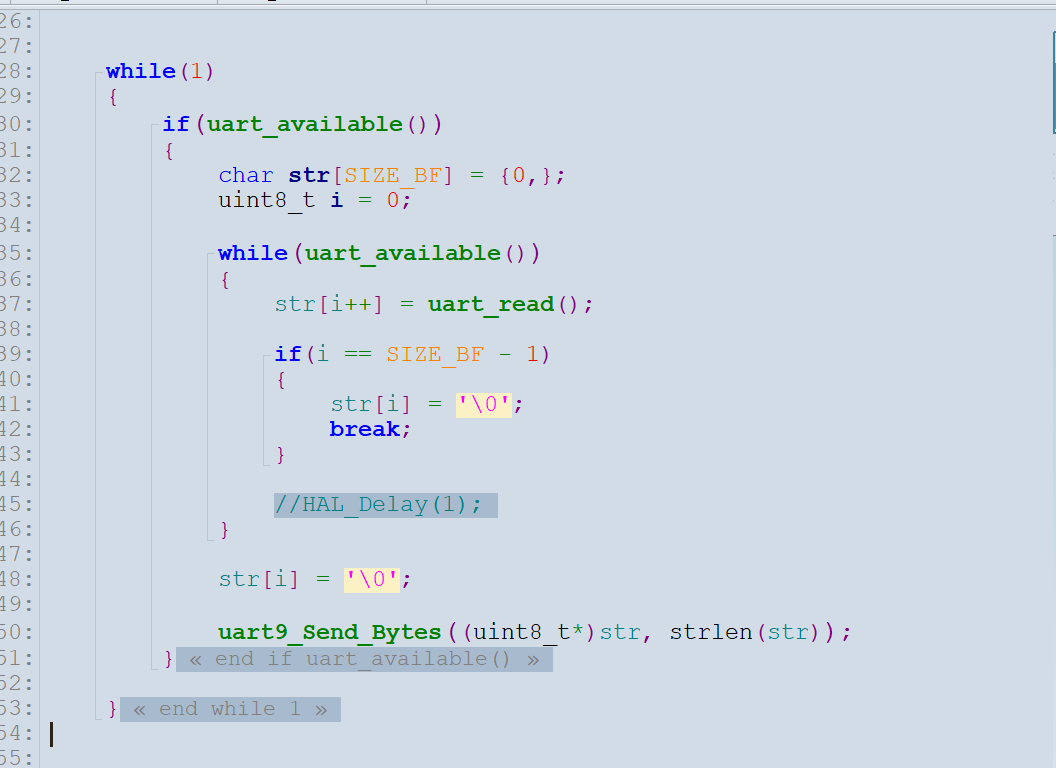
主函数中添加核心代码
将串口接收到的不定长度的数据发送回去
#include "hal_data.h"
#include "usart9.h"
#include "Systick.h"
#include "string.h"
#include "stdio.h"
#include "usart_ring.h"
FSP_CPP_HEADER
void R_BSP_WarmStart(bsp_warm_start_event_t event);
FSP_CPP_FOOTER
/*******************************************************************************************************************//**
-
main() is generated by the RA Configuration editor and is used to generate threads if an RTOS is used. This function
-
is called by main() when no RTOS is used.
*********************************************************************************************************************/
void hal_entry(void)
{
/ TODO: add your own code here */
hal_systick_init();
UART9_Init();
#define SIZE_BF 32
while(1)
{
if(uart_available())
{
char str[SIZE_BF] = {0,};
uint8_t i = 0;
while(uart_available())
{
str[i++] = uart_read();
if(i == SIZE_BF - 1)
{
str[i] = '\0';
break;
}
}
str[i] = '\0';
uart9_Send_Bytes((uint8_t*)str, strlen(str));
}
}
#if BSP_TZ_SECURE_BUILD
/* Enter non-secure code */
R_BSP_NonSecureEnter();
#endif
}
/*******************************************************************************************************************//**
-
This function is called at various points during the startup process. This implementation uses the event that is
-
called right before main() to set up the pins.
-
@param[in] event Where at in the start up process the code is currently at
**********************************************************************************************************************/
void R_BSP_WarmStart (bsp_warm_start_event_t event)
{
if (BSP_WARM_START_RESET == event)
{
#if BSP_FEATURE_FLASH_LP_VERSION != 0
R_FACI_LP->DFLCTL = 1U;
#endif
}
if (BSP_WARM_START_POST_C == event)
{
R_IOPORT_Open(&IOPORT_CFG_CTRL, &IOPORT_CFG_NAME);
#if BSP_CFG_SDRAM_ENABLED
R_BSP_SdramInit(true);
#endif
}
}
#if BSP_TZ_SECURE_BUILD
FSP_CPP_HEADER
BSP_CMSE_NONSECURE_ENTRY void template_nonsecure_callable ();
/* Trustzone Secure Projects require at least one nonsecure callable function in order to build (Remove this if it is not required to build). */
BSP_CMSE_NONSECURE_ENTRY void template_nonsecure_callable ()
{
}
FSP_CPP_FOOTER
#endif
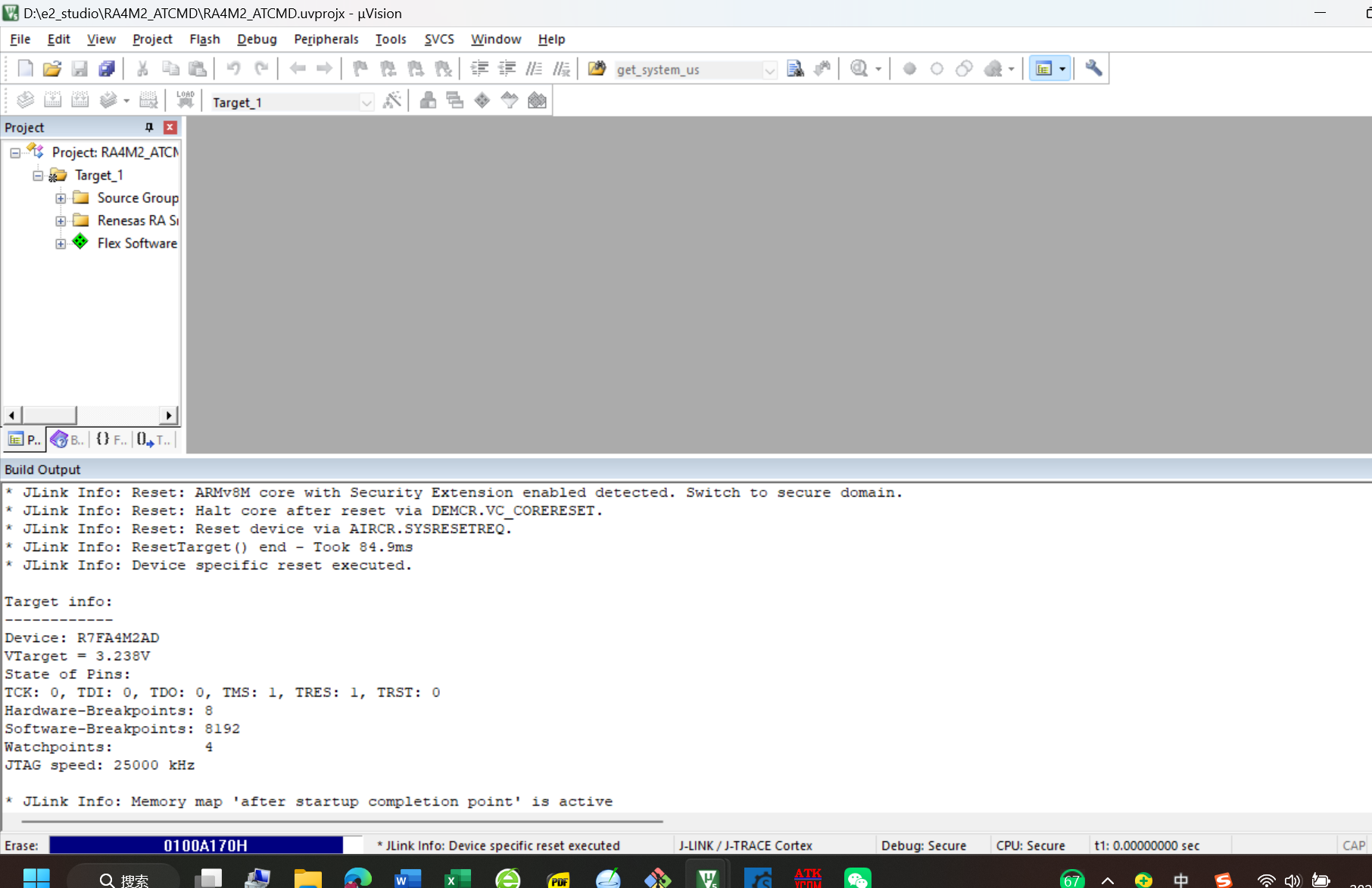
编译代码,烧录到板子
打开串口助手
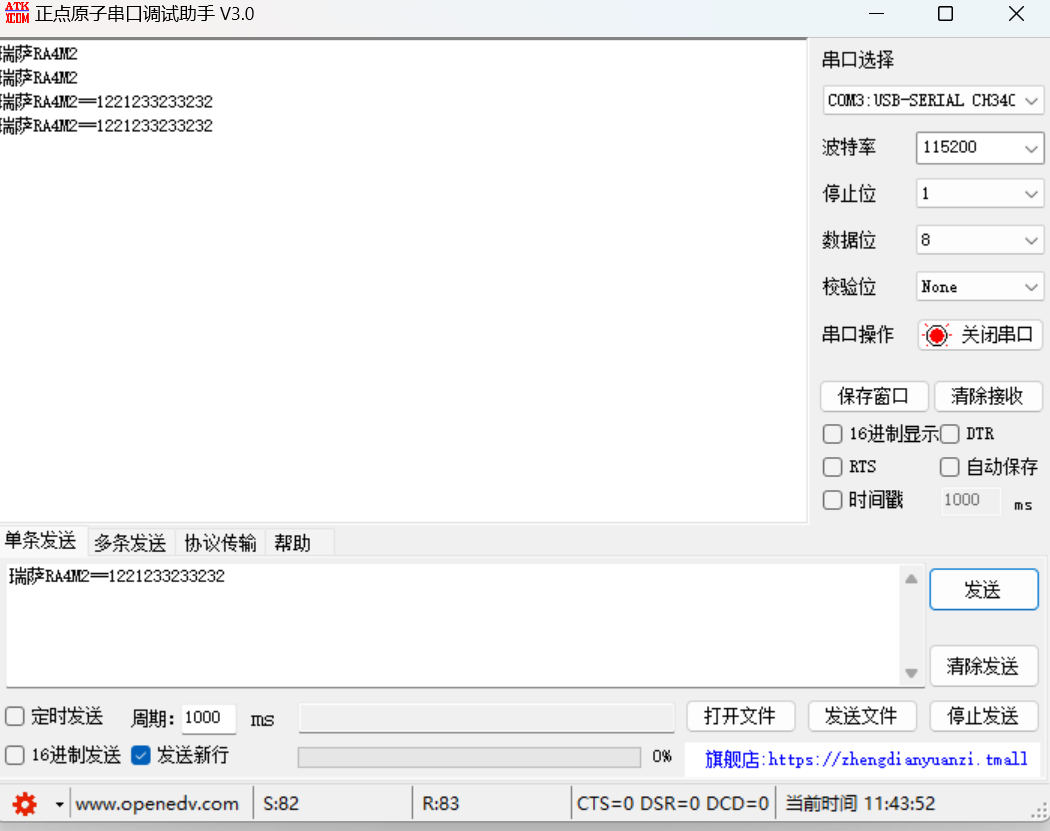
可以看到发送任何数据,都能完美的发送回去

 电子发烧友论坛
 0
0
 /9
/9 



 工商网监
湘ICP备2023018690号
工商网监
湘ICP备2023018690号


 862
862


 淘帖
淘帖 18
18










